
Optimize CAD models right from the design phase with the smart thermoforming check for maximum manufacturability. Upload your thermoformed part to our 3D analysis and get an automatic Design for Manufacturing (DfM) thermoforming check.
From concept to production-ready design – with the formary thermoforming check.
Safety right from the design process: Check your components for manufacturability immediately: without waiting times, manual queries, or error-prone assessments. The formary thermoforming check analyzes your CAD model within seconds for all relevant thermoforming criteria. The DfM analysis is fully automatic, color-coded, and ready for direct processing in toolmaking.


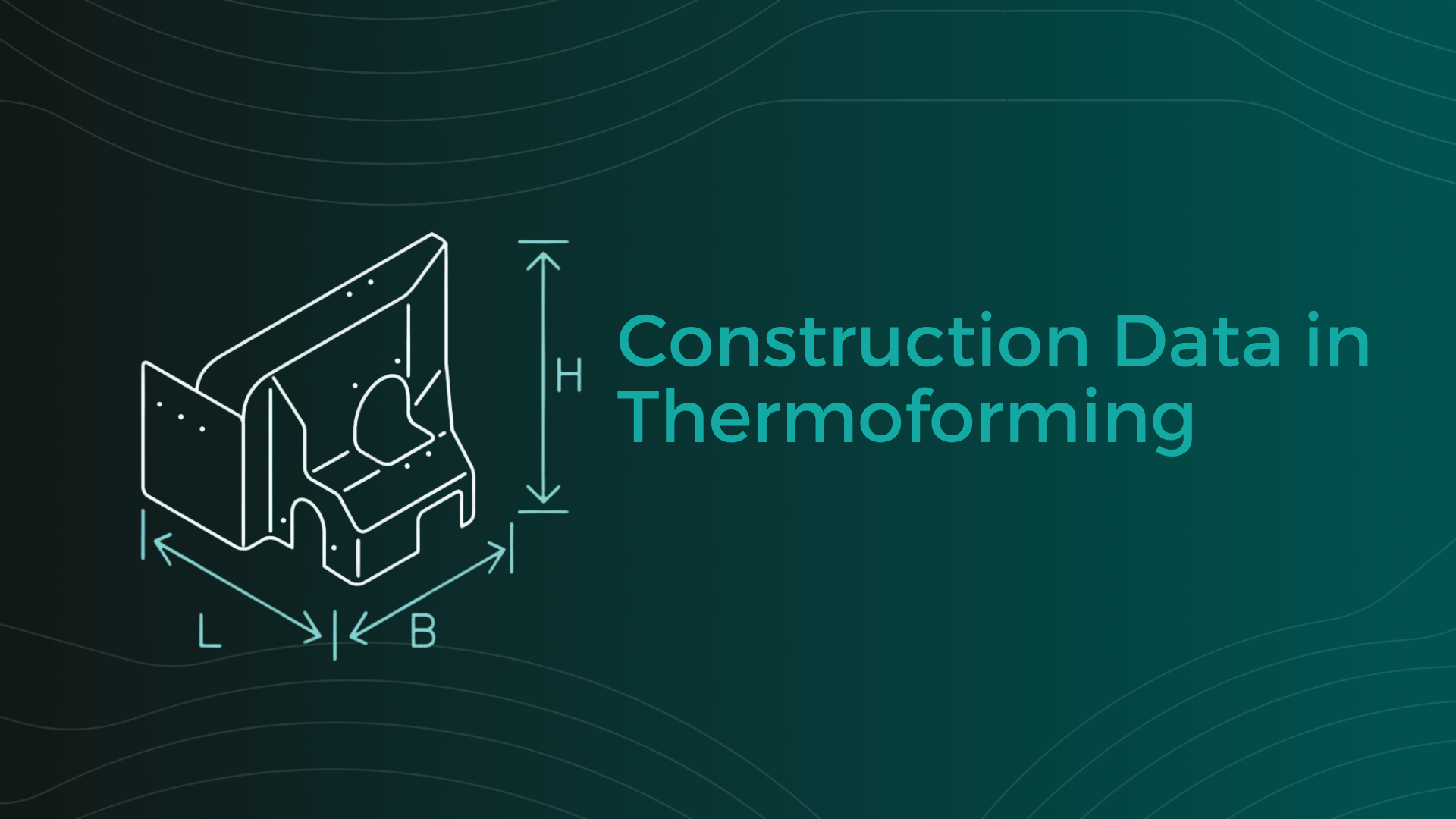
Simply upload your CAD data (e.g., STEP files) to the DfM Tool. First, the 3D data is automatically checked to ensure it is suitable and processable for analysis; you then define the relevant DfM parameters before the actual manufacturability check is performed.

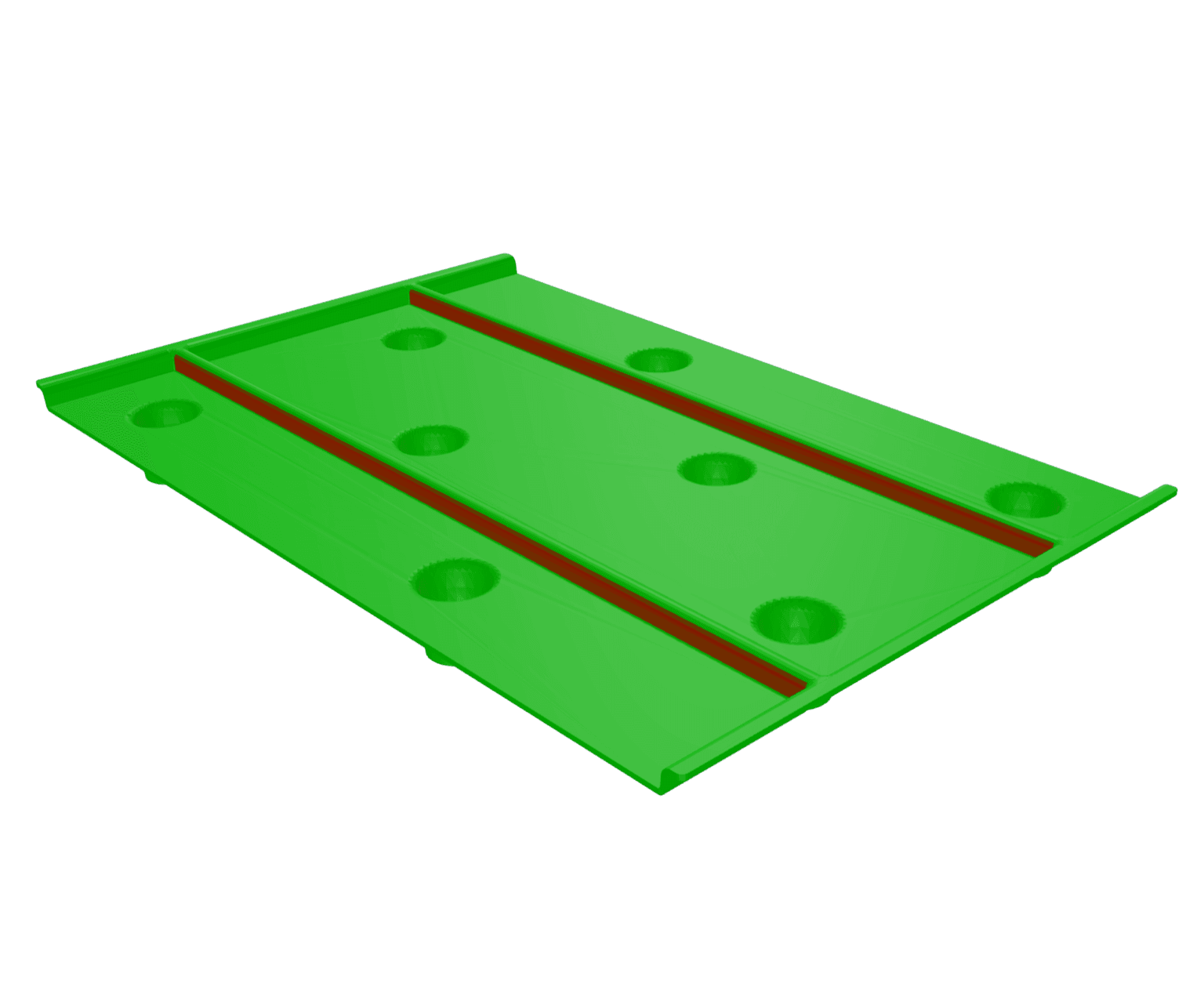
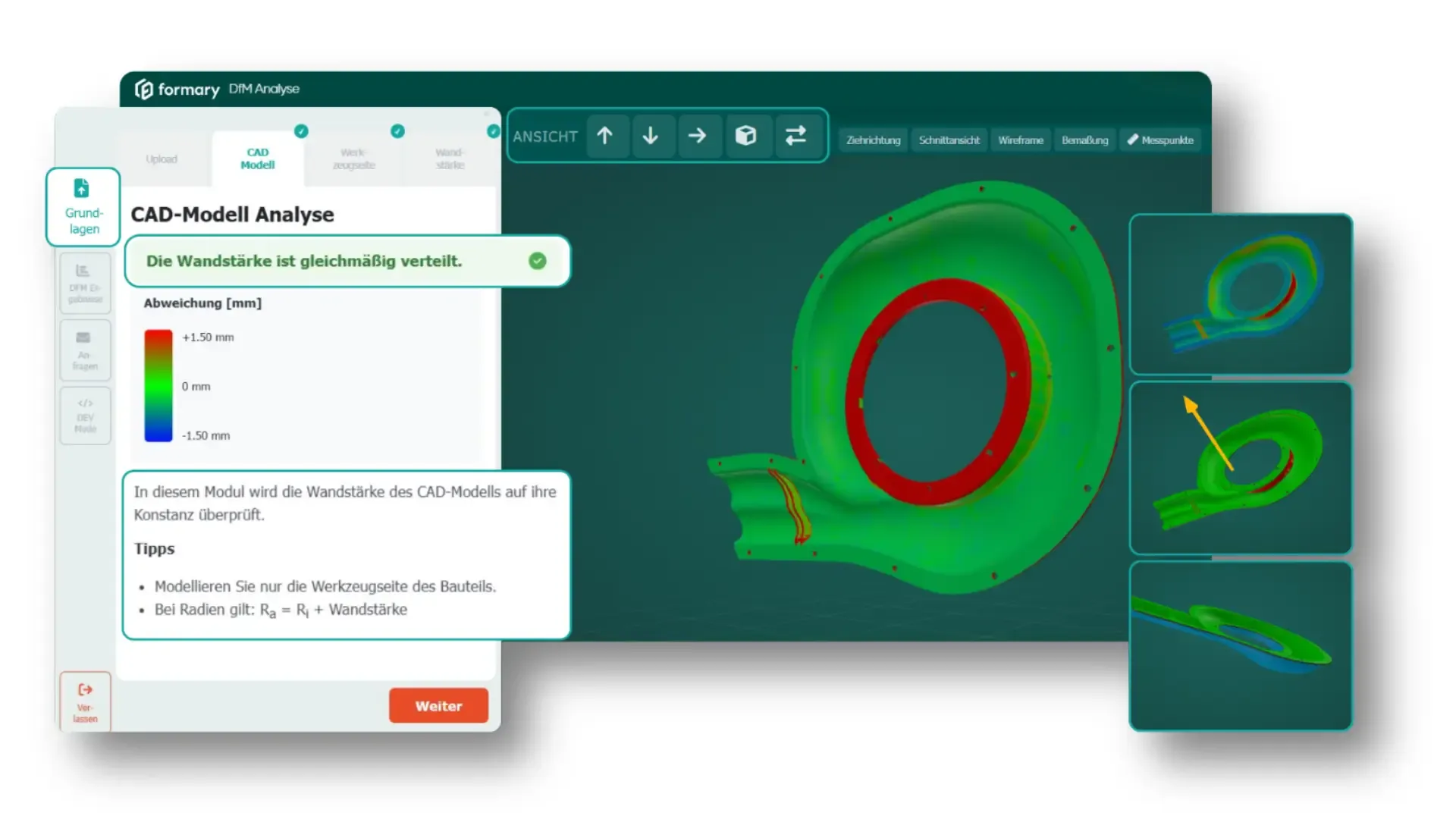
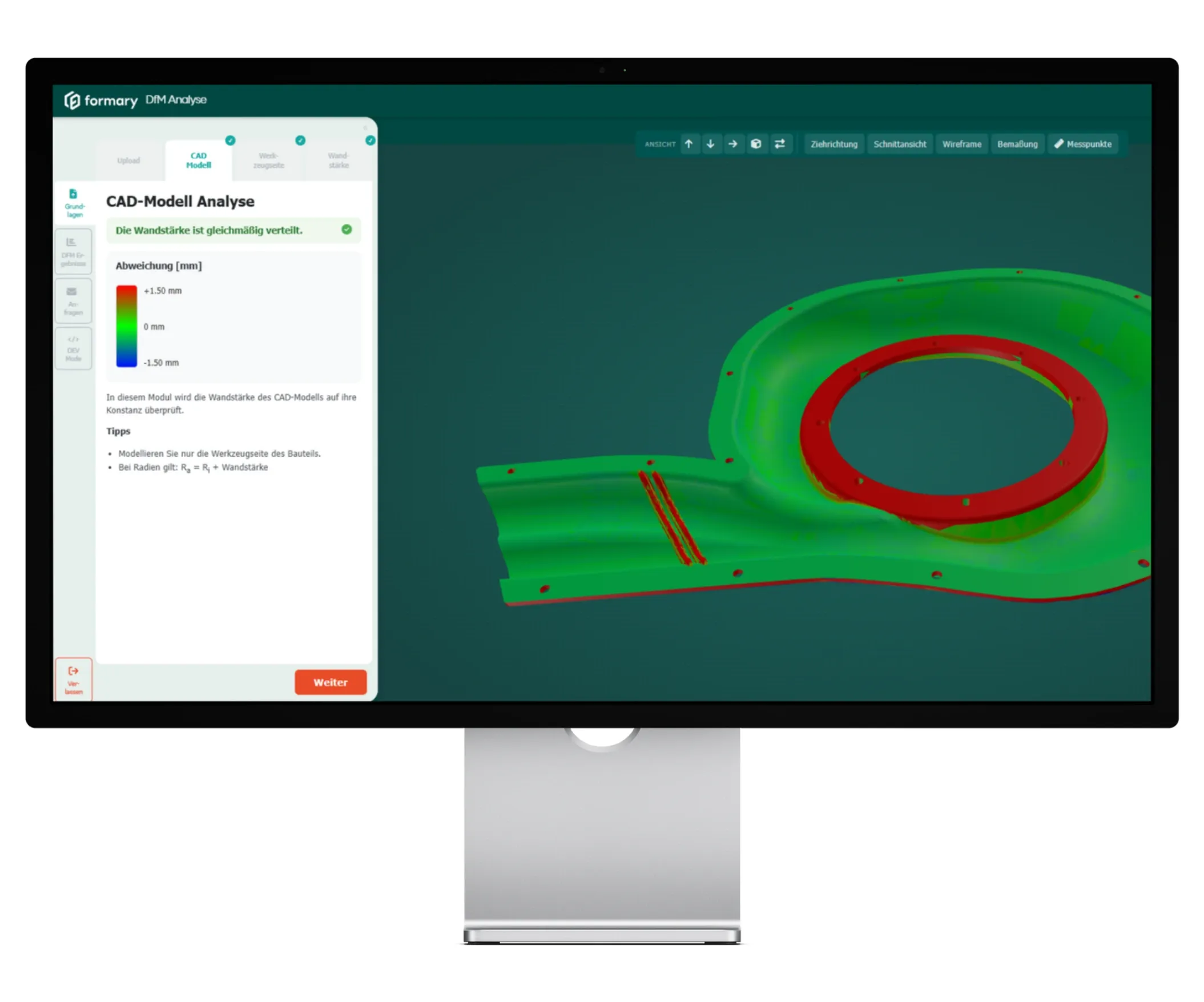
The tool first checks whether the CAD model is properly created, i.e. whether it has a uniform wall thickness distribution and is correctly thickened, so that it is suitable for Design for Manufacturing analysis. Any areas that do not meet these criteria are highlighted.

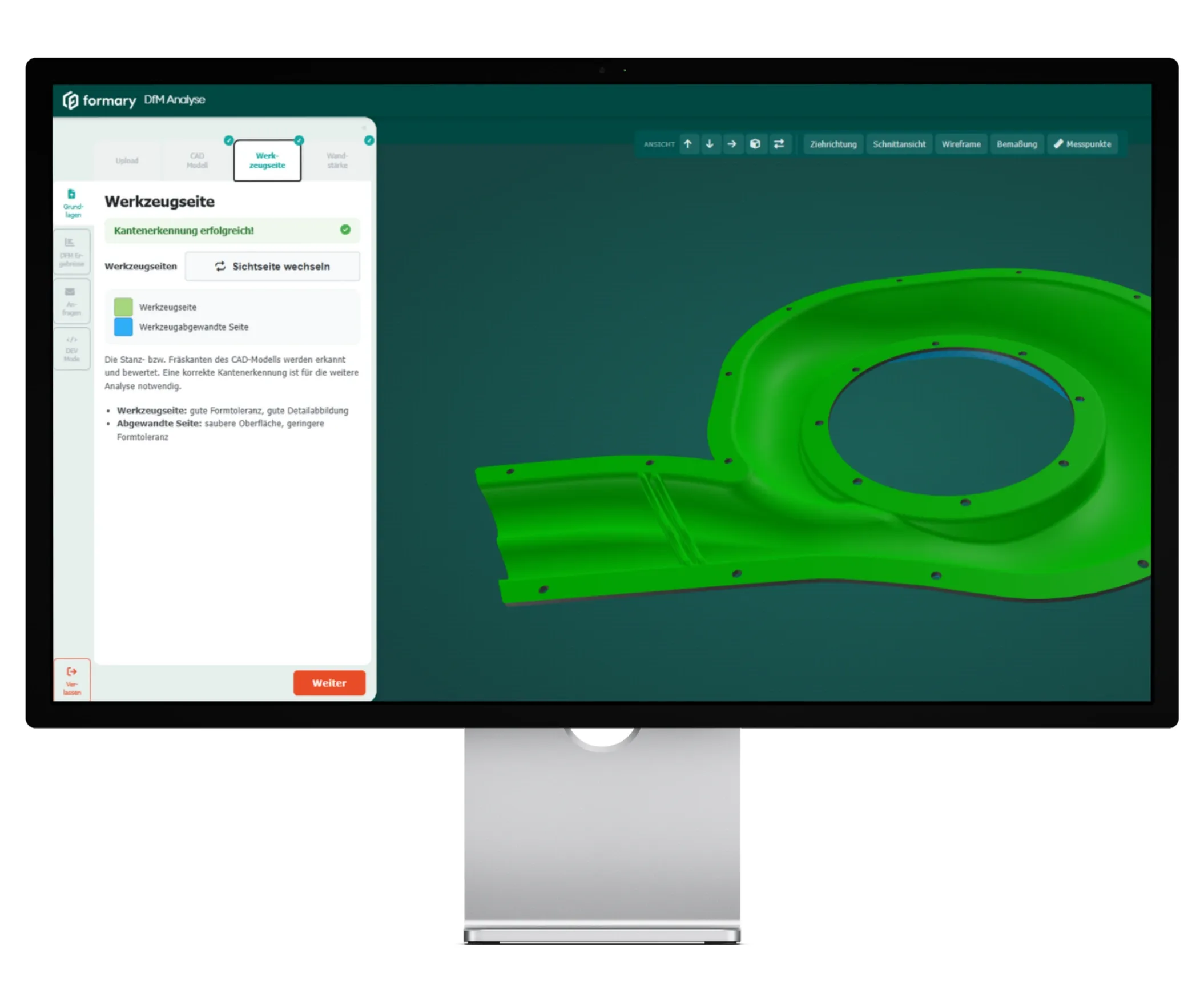
The DfM-tool analyzes whether punch or milling edges are detected in the CAD model, as this is essential for further analysis. You can also define the tool side. The DfM check is then performed based on this, and both sides can be analyzed and compared sequentially.

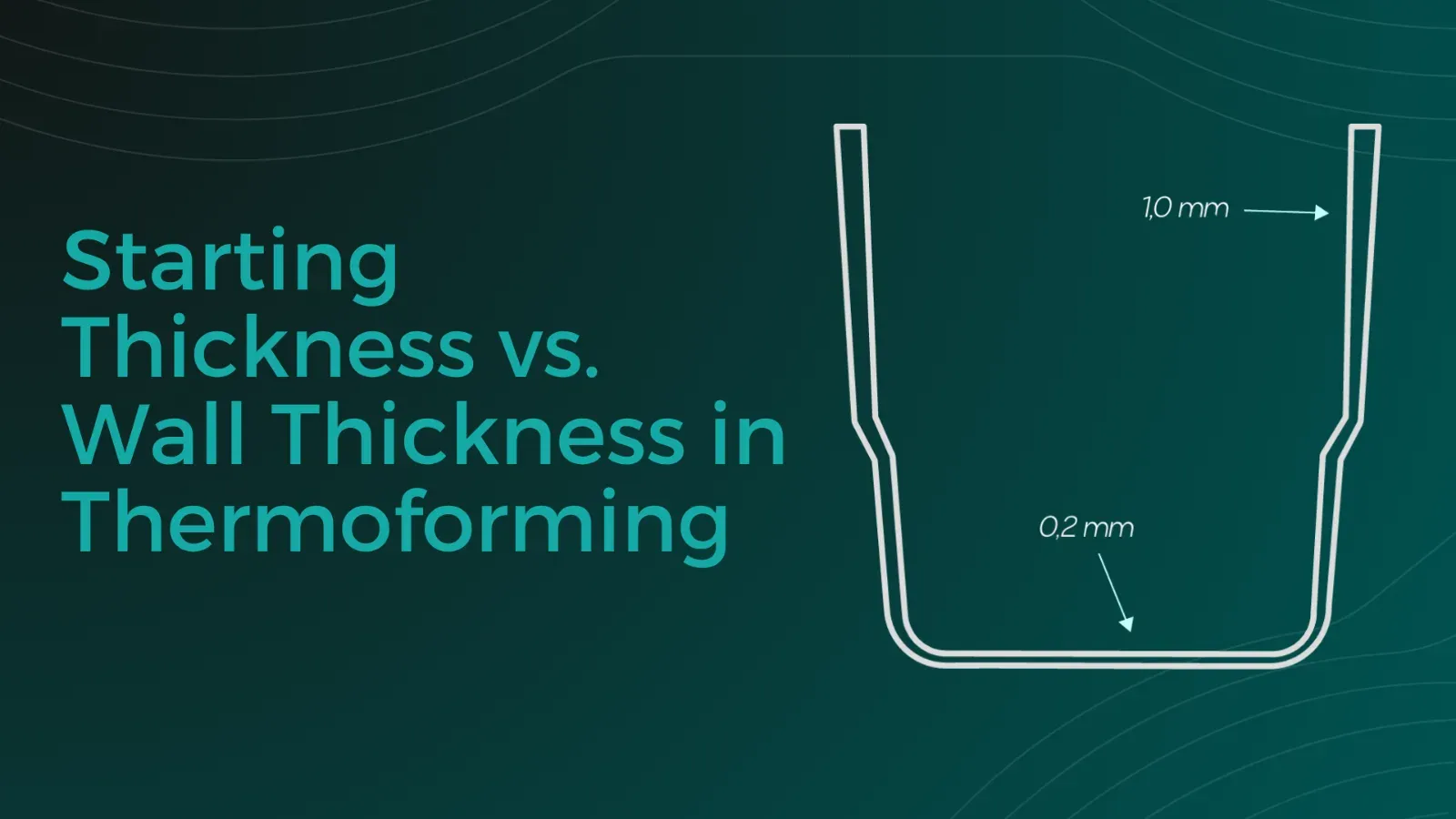
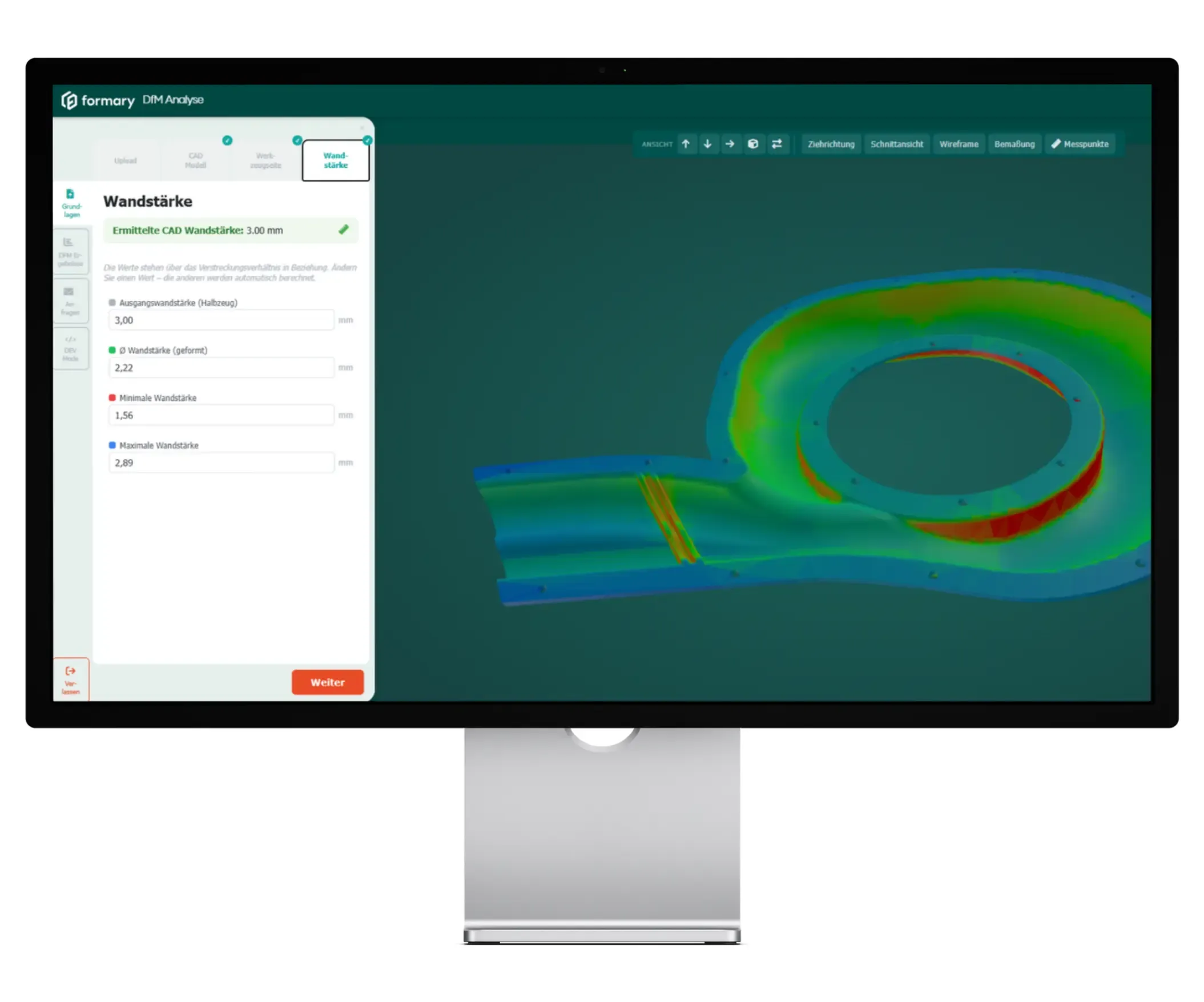
Here, you define the desired wall thicknesses for the deep-drawn part. You can either specify a starting thickness or a minimum wall thickness—in which case the tool automatically calculates the required starting thickness as well as the resulting minimum, maximum, and average wall thicknesses.

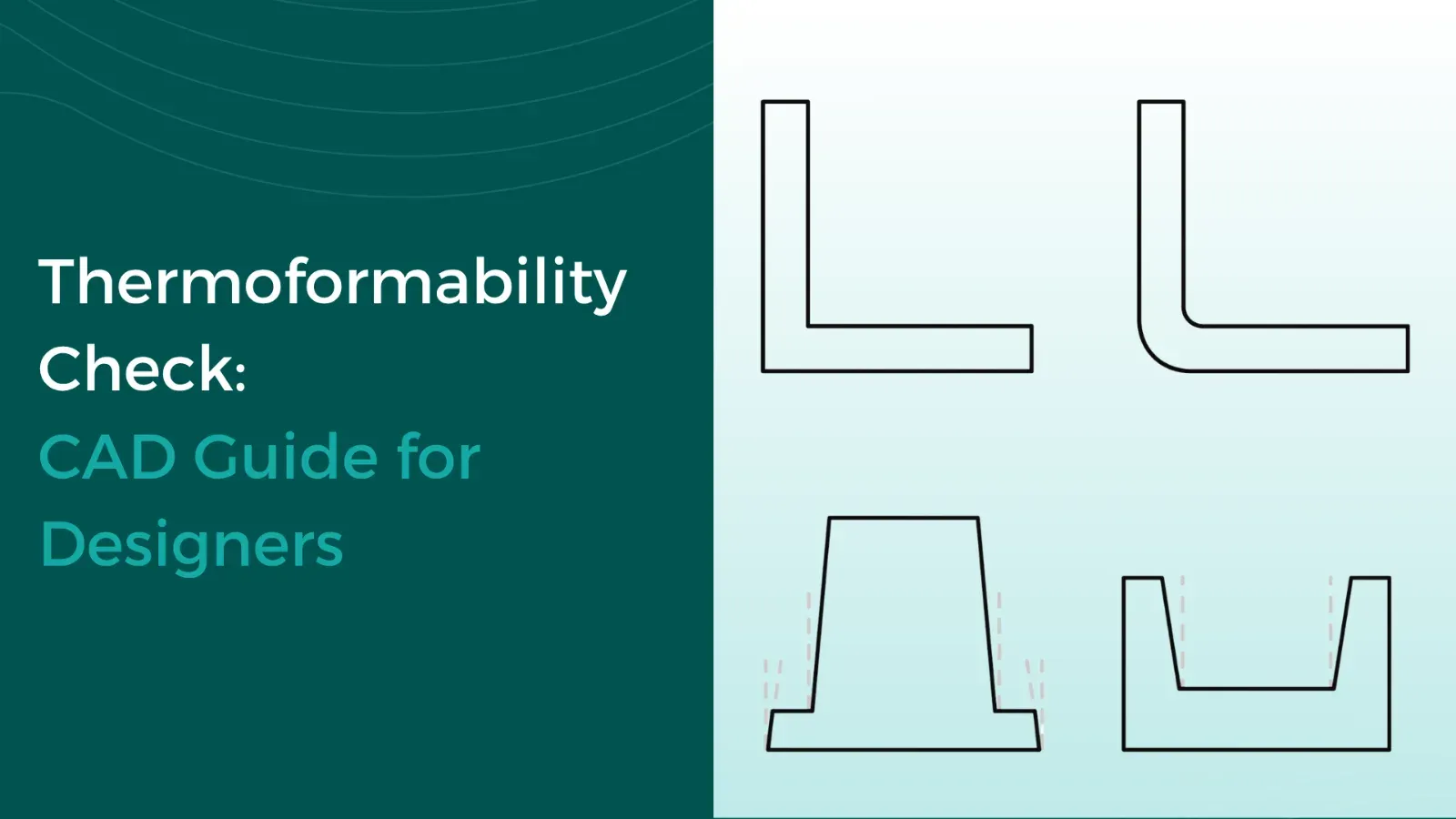
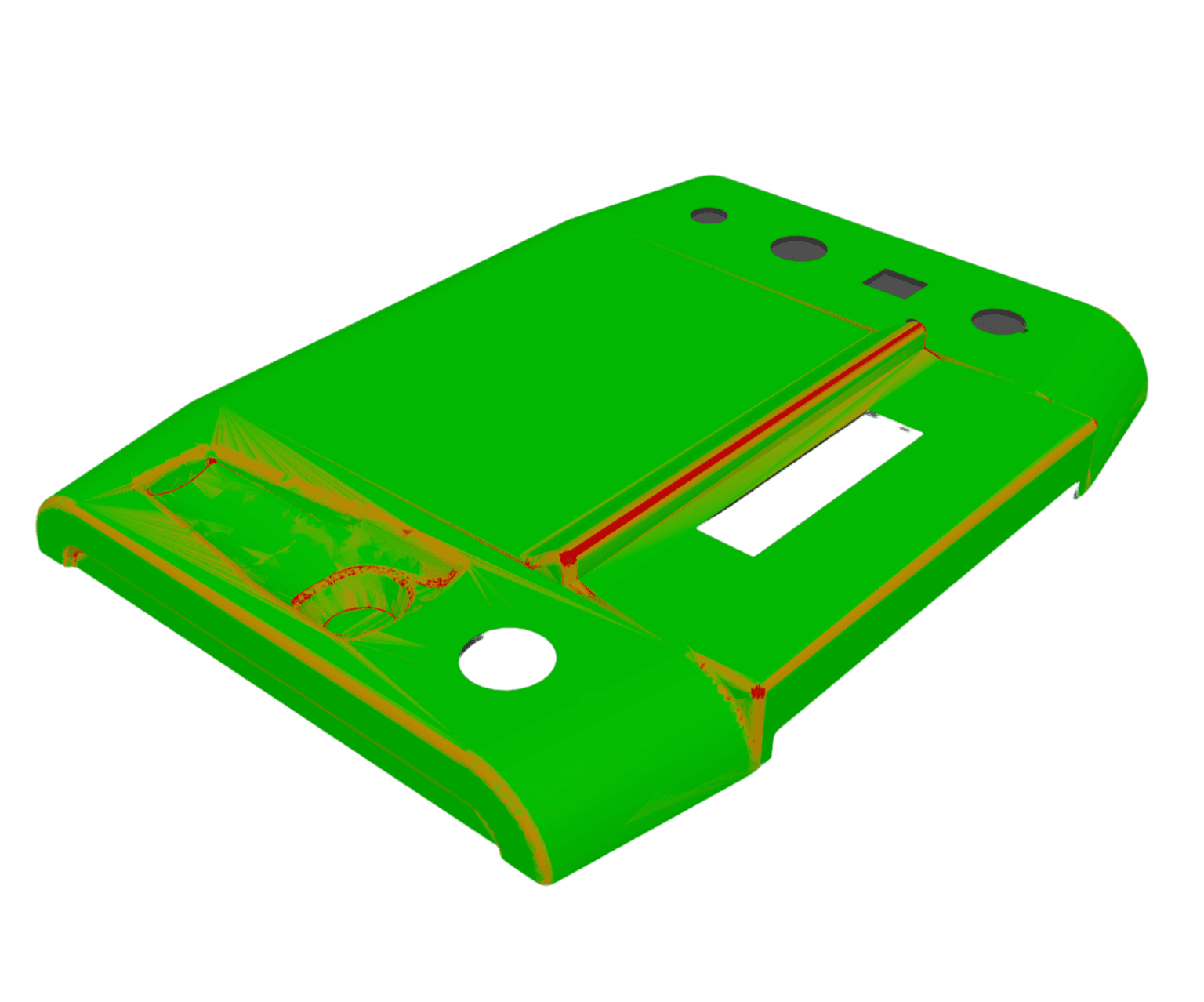
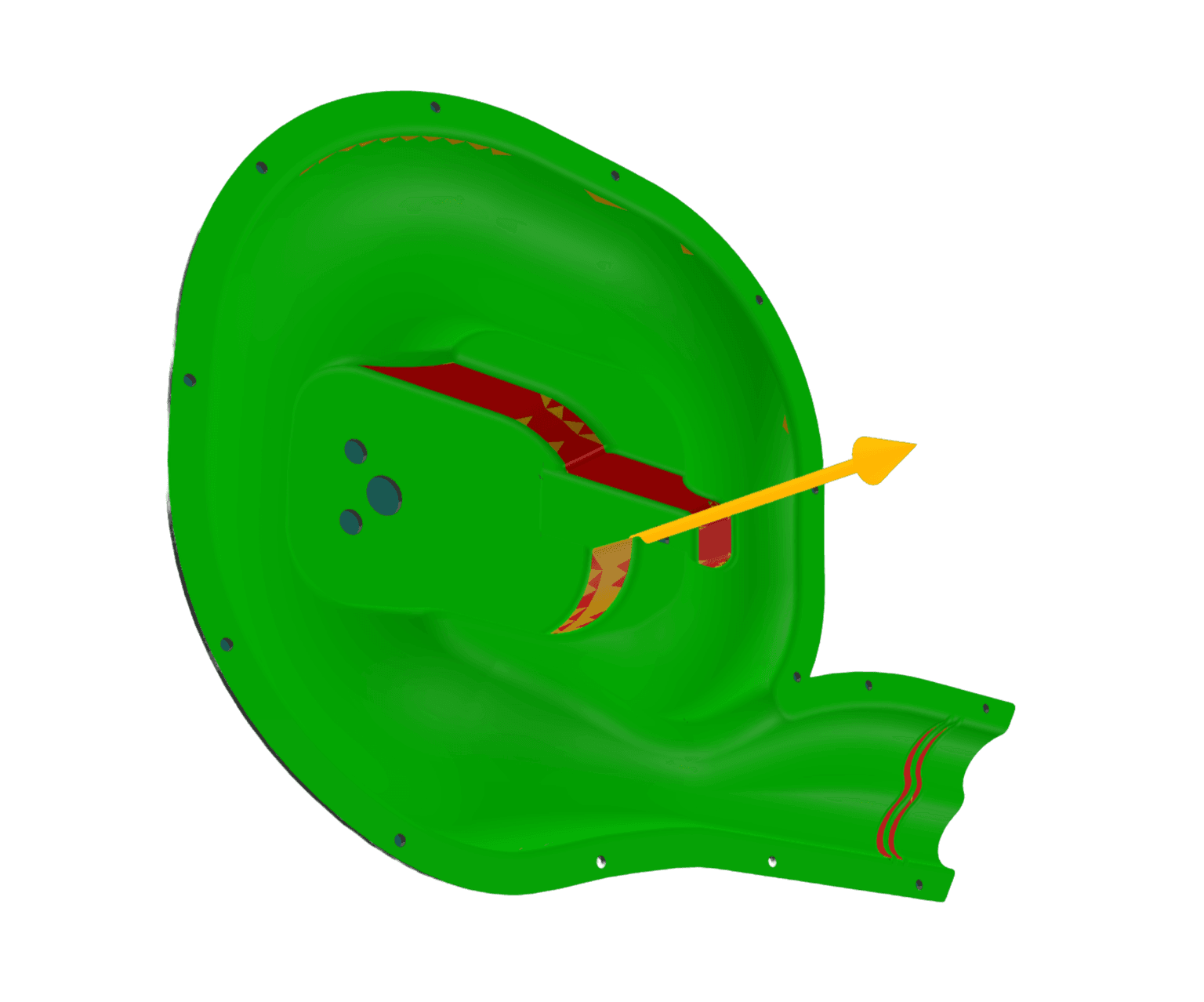
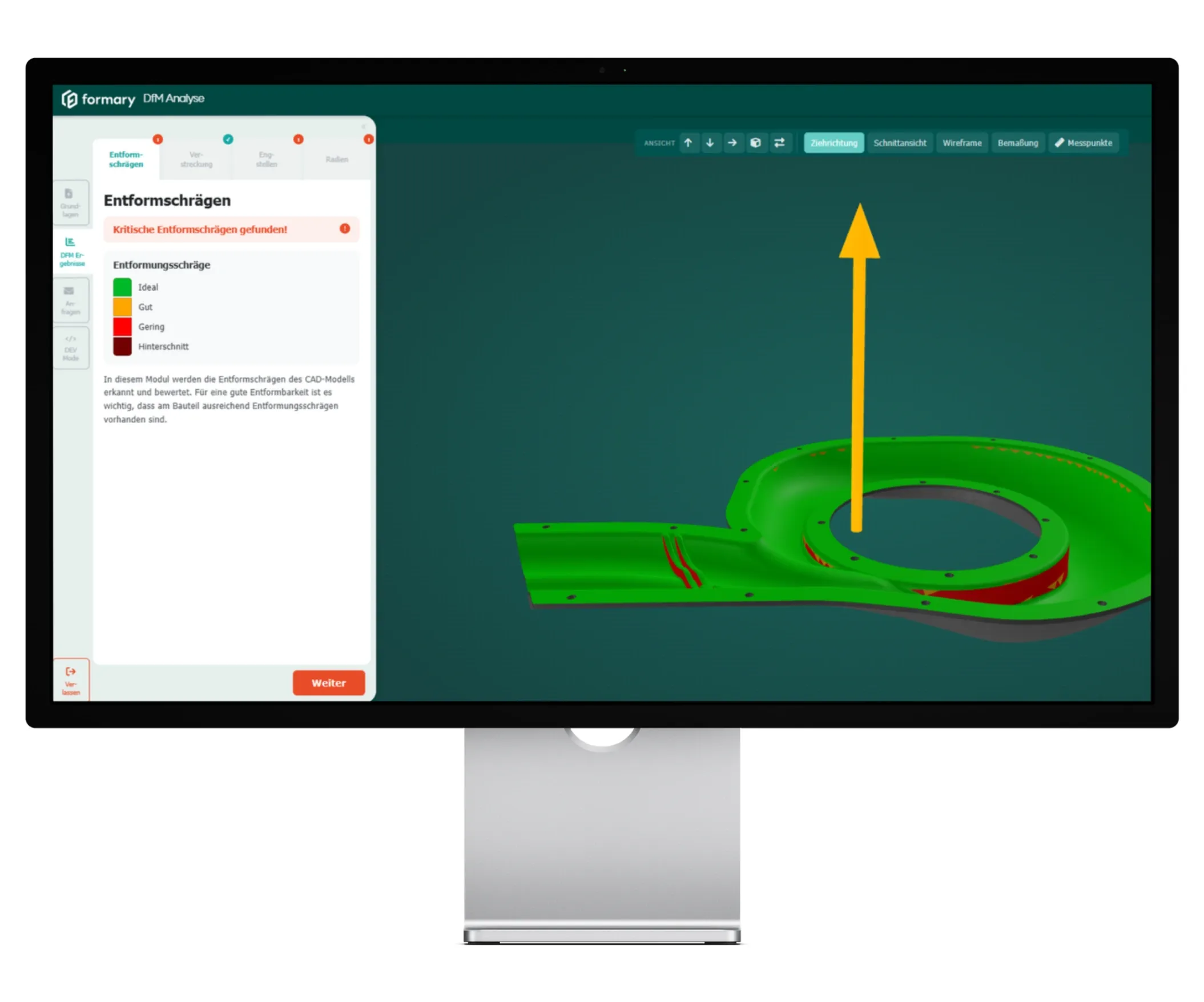
This is where the DfM analysis begins: The demolding of the deep-drawn part after the deep-drawing process is checked, and critical areas without sufficient draft are highlighted. This allows you to immediately identify where adjustments are needed to ensure smooth removal from the mold.

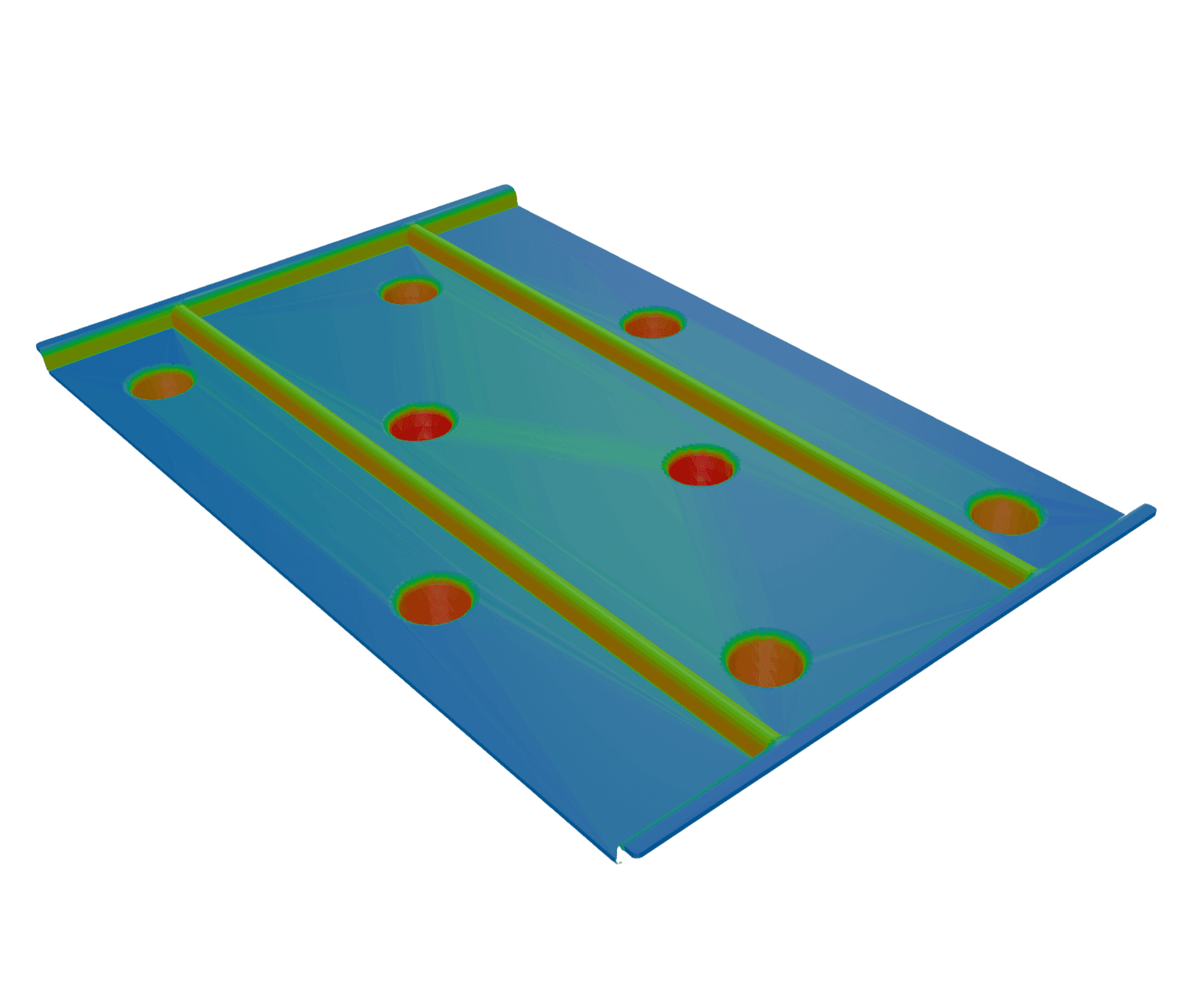
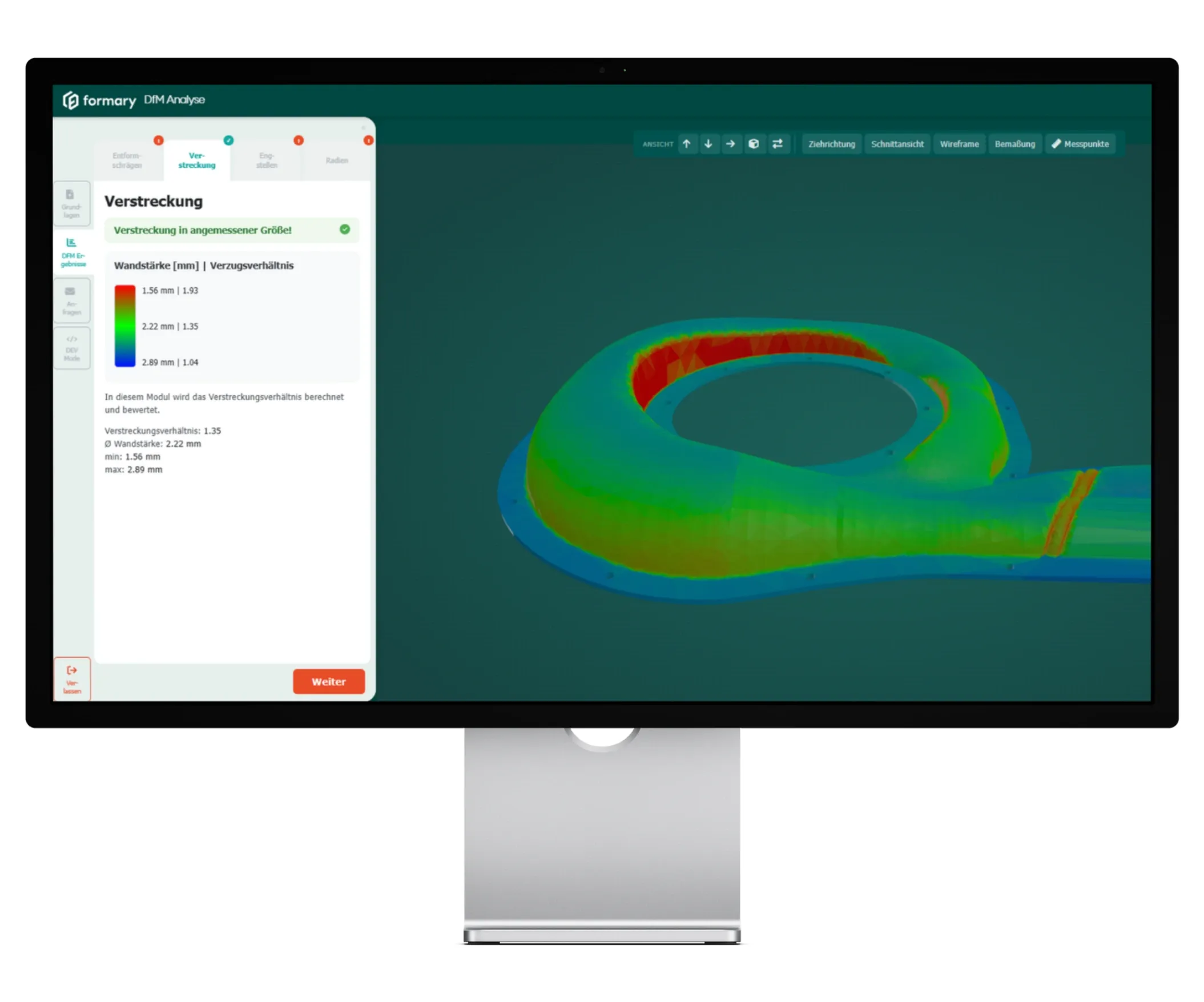
This module calculates the local stretch ratio and illustrates the extent to which the material is stretched at different points on the part. The DfM analysis enables a realistic assessment of the resulting wall thickness distribution after the deep-drawing process, allowing for an evaluation of the part’s quality and functionality.

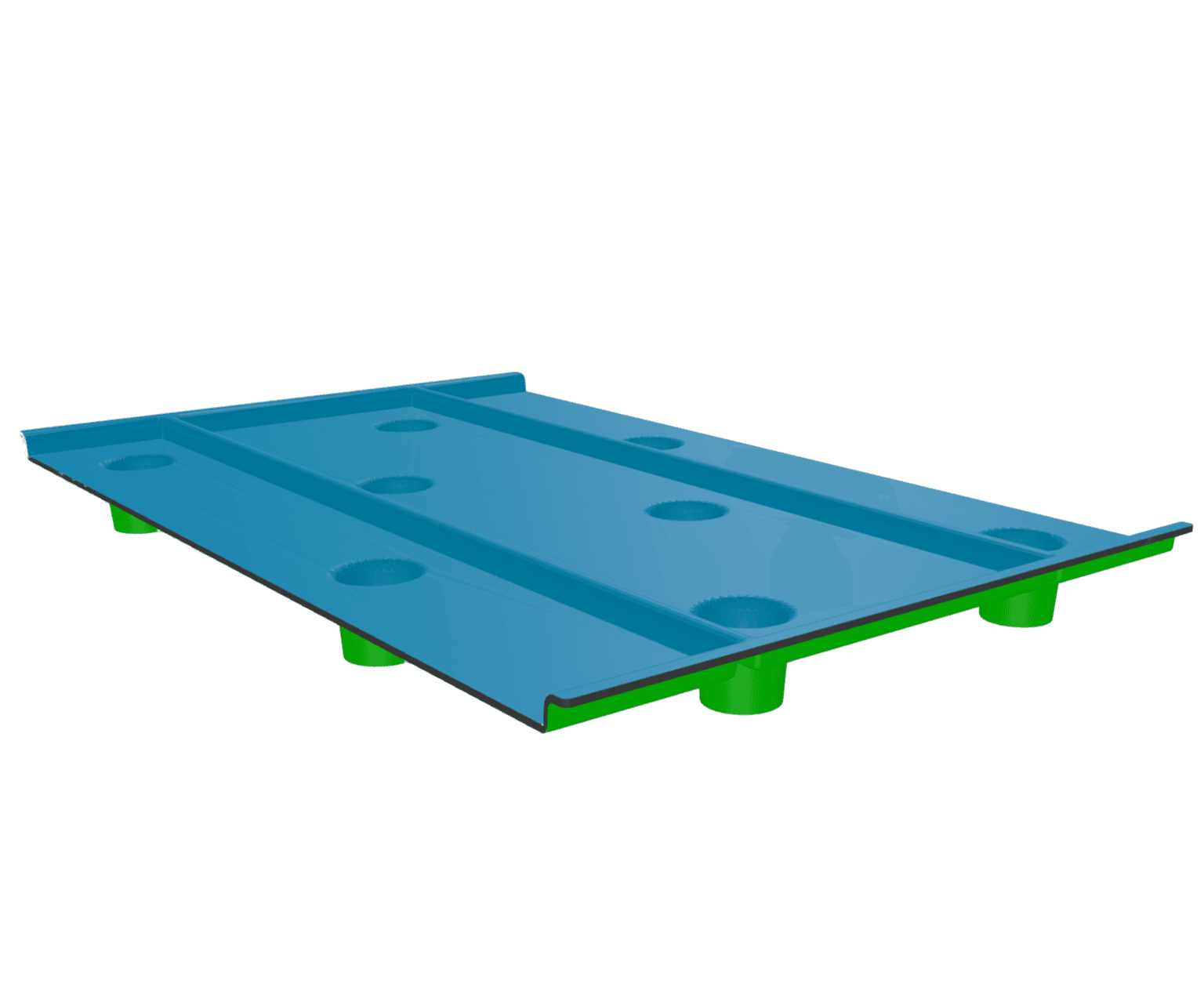
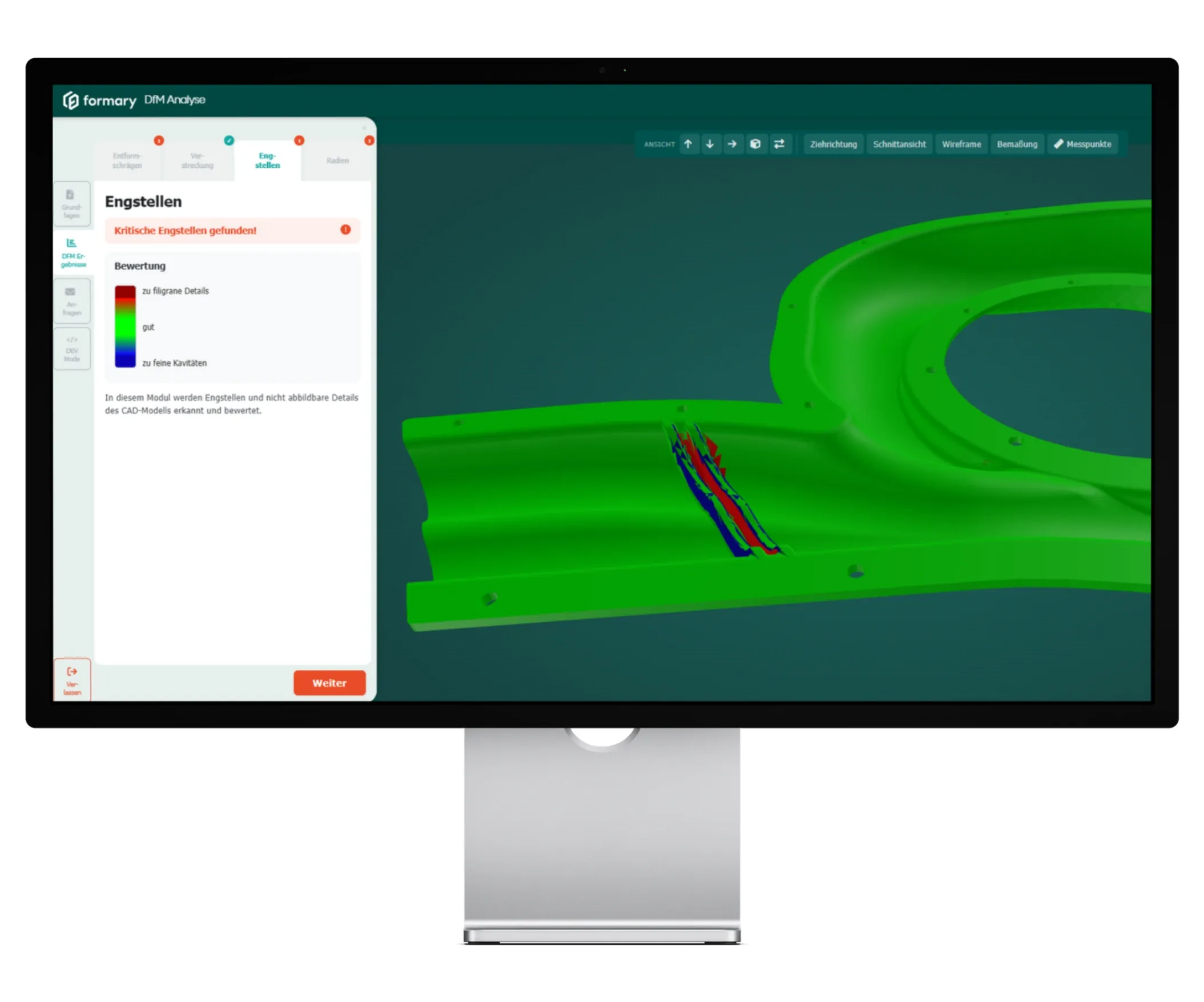
Delicate areas with insufficient wall thickness are displayed in red, while fine cavities that cannot be captured by the material appear in blue. This allows you to identify problematic geometries at a glance that could cause difficulties in tooling or mass production.

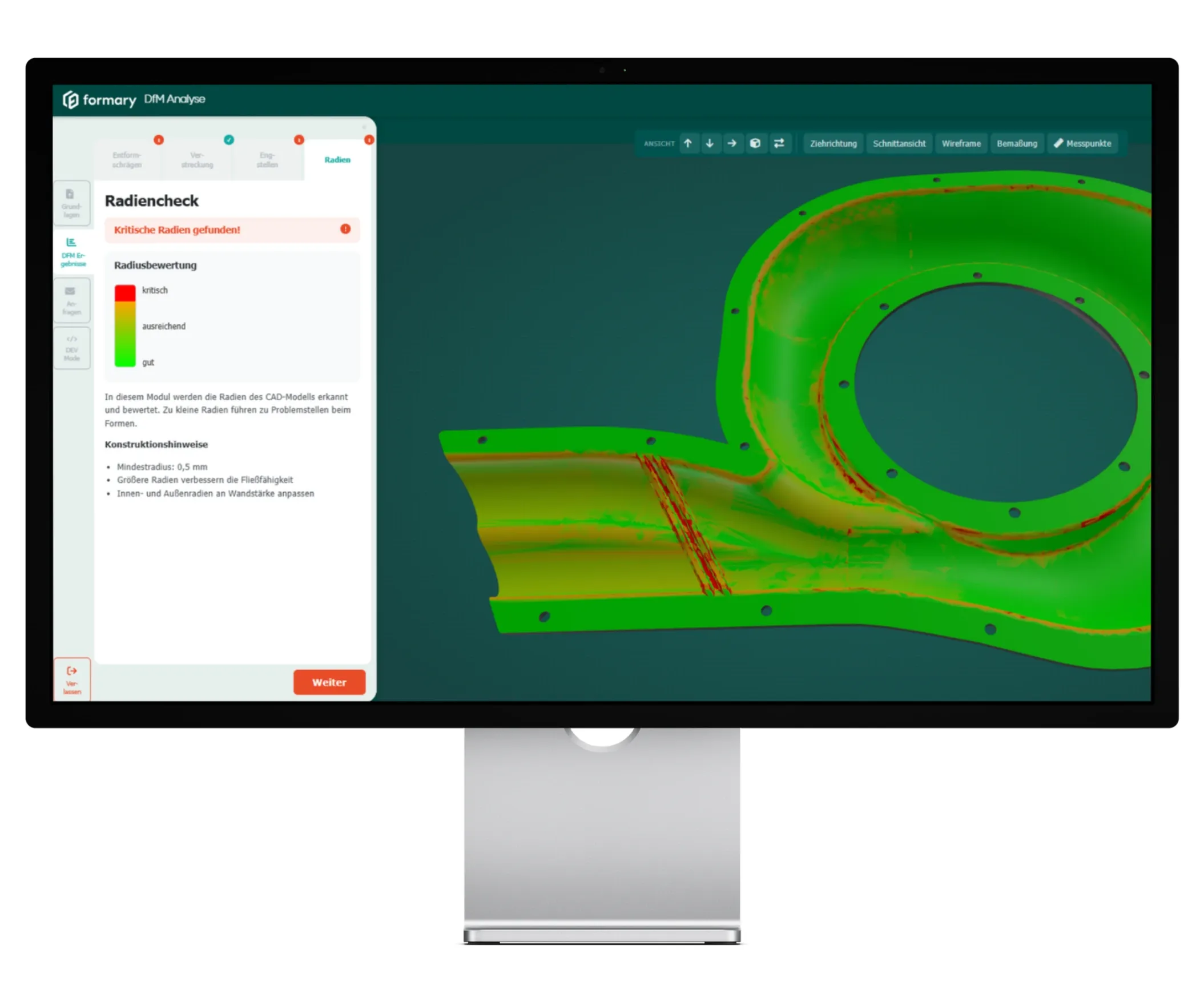
All geometric radii in the model are detected and checked for deep-drawing suitability. Radii that are too small can make forming difficult or impossible. Here, the Design for Manufacturing software clearly shows where there is potential for optimization.
Design engineers make complex decisions every day – the DfM tool provides them with targeted support in the area of thermoformability. The Design for Manufacturing software automatically analyzes CAD models and highlights manufacturing-critical aspects at an early stage. This significantly improves quality, speed, and safety in the development process.
Critical areas are identified in the CAD model before they become costly in production.
The DfM analysis provides clarity on manufacturing-related details—quickly, comprehensively, and objectively.
Automated testing eliminates the need for consultation and waiting times, resulting in faster, more targeted product development.
Thanks to its ease of use, visual feedback, and immediately available results, DfM analysis becomes an integral part of an efficient, low-error development process—whether in series production, prototyping, or component optimization.
Initial assessment of thermoformability during the design phase.
Technical validation prior to internal or external approvals.
Targeted adjustment of wall thicknesses, radii, or draft angles.
Objective basis for coordination without room for interpretation.
Avoidance of subsequent changes through early error detection.
Support for designers without specialized knowledge of deep drawing technology or extensive prior experience.
The Design for Manufacturing software currently only accepts the .STEP 3D CAD format.
Book a demo and experience DfM analysis in action. We will analyze your thermoformed part in just a few seconds—live and clearly.