Simple, intuitive, efficient: the new formary configurator
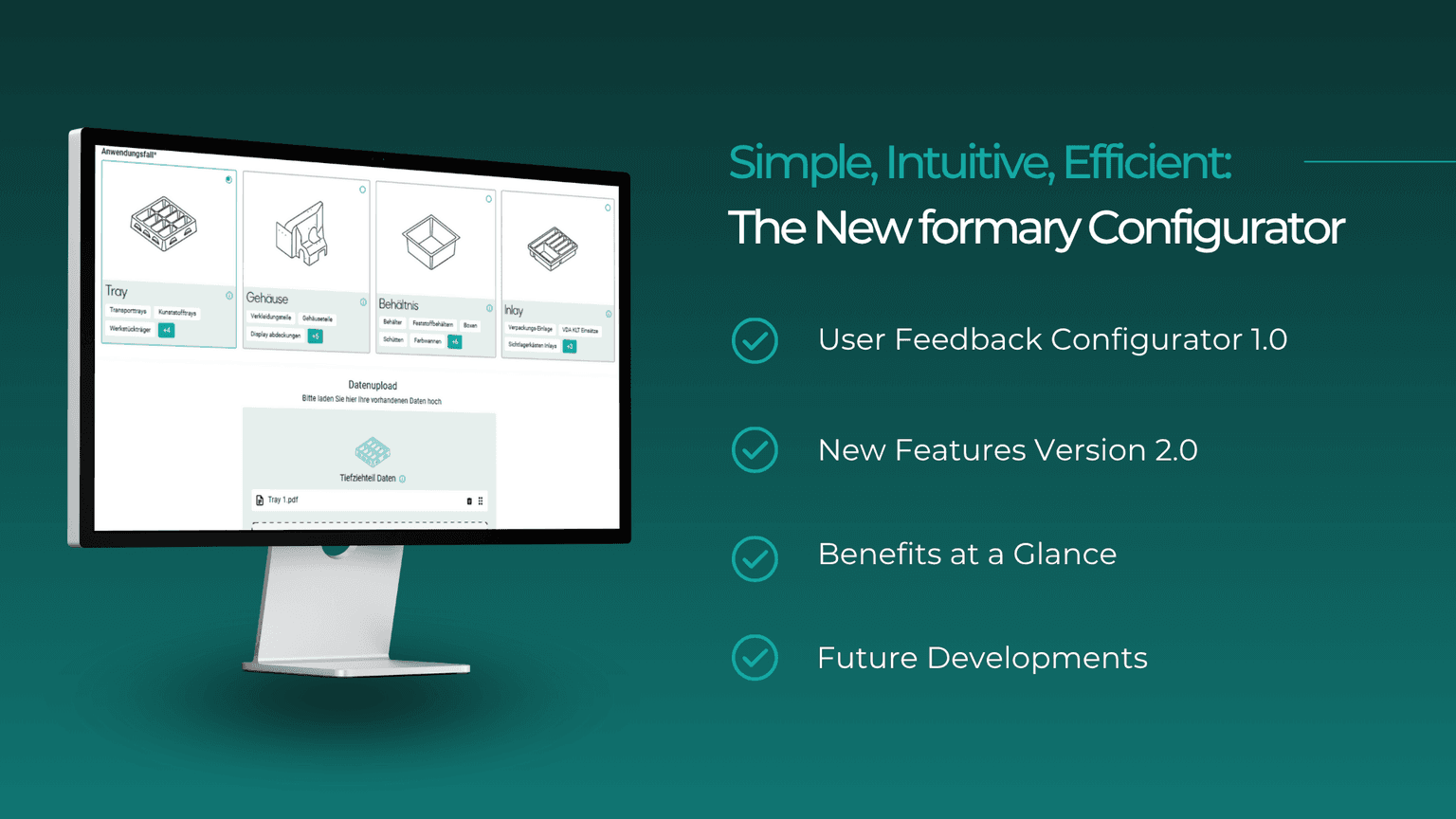
Now live: formary has introduced a revised version of its product configurator. The new development is the result of an intensive, user-centered development process based on extensive customer feedback. Read more in the article.
Sarah Guaglianone
Updated on June 1, 2026
Share
formary Configurator – Key features at a glance
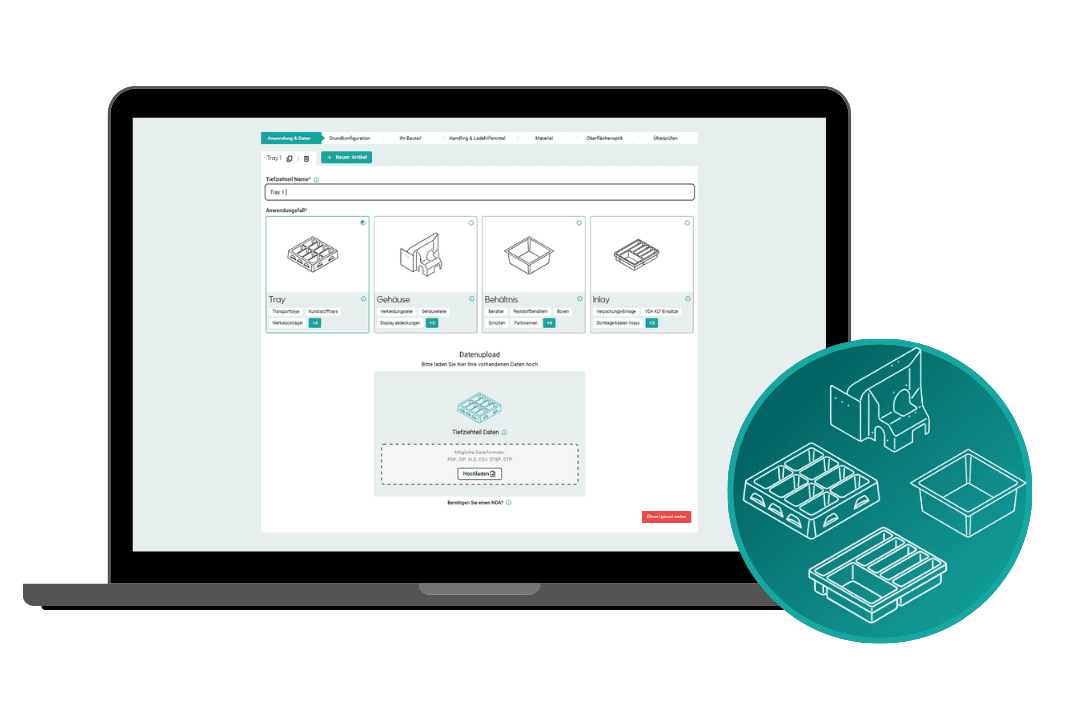
The new formary configurator is based on extensive user feedback and offers a simplified, step-by-step user interface.
Key new features include direct access via 3D data upload, real-time visualisation and multiple configuration options.
Eight interface options allow for a customised configuration for various applications, with or without 3D data.
The new version of the configurator is based on numerous Discovery interviews that formary conducted with existing and potential customers in 2024. These interviews specifically identified weaknesses in the previous process and took note of users’ requirements.
Based on the findings, formary developed several prototypes, which were evaluated in internal tests and with customers. The process involved several rounds of iteration, during which formary further refined the user interface and optimised the range of functions.
Key user requirements:
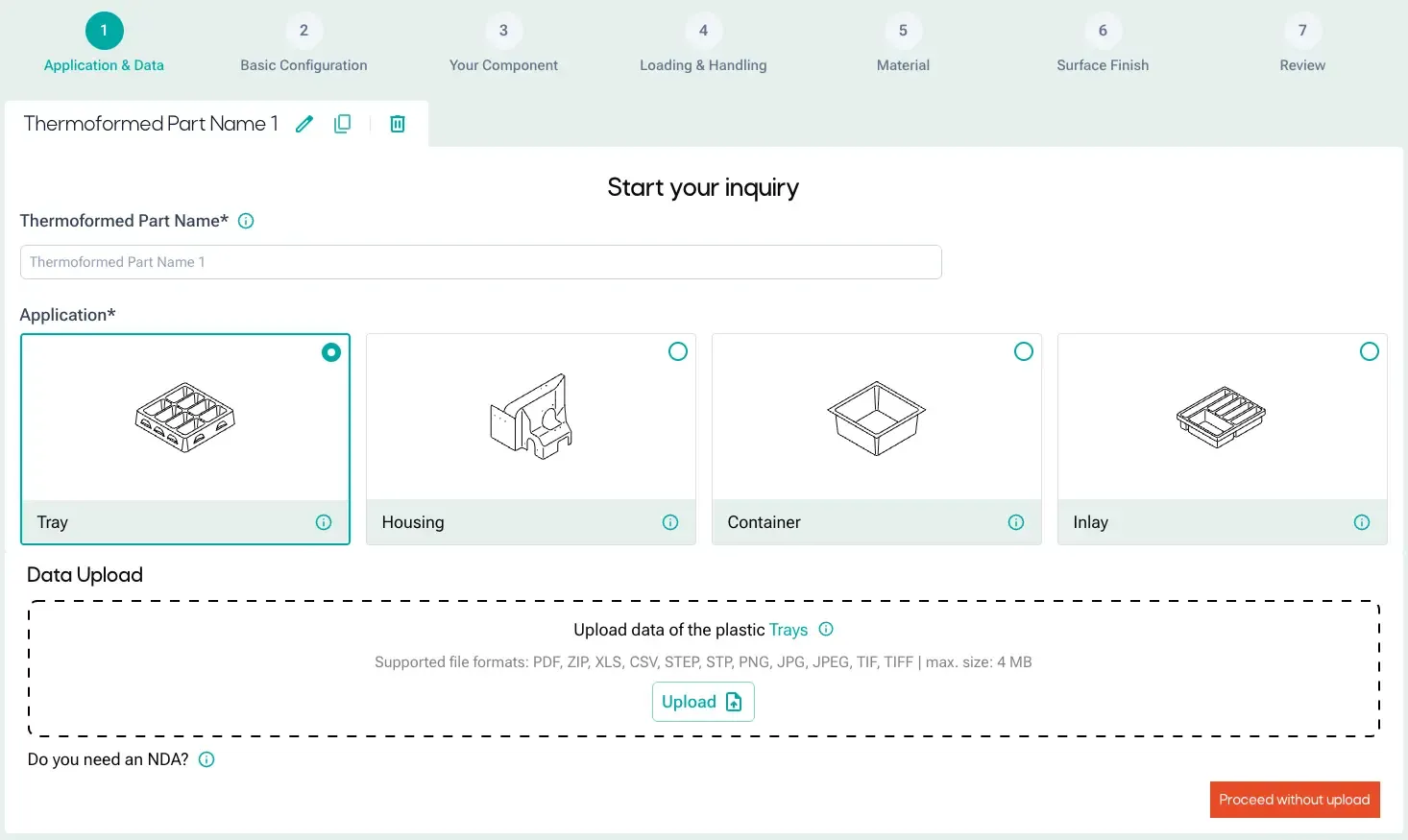
Get started straight away by uploading data to minimise manual input
Clear, straightforward process guidance
Multiple items can be selected per request
Real-time 3D rendering for visual inspection
Get started straight away by uploading your data
In the new version, the configuration process begins with a 3D data upload. This eliminates the need for a lot of manual input, as key information is extracted directly from the uploaded design data. This ensures a smooth start.
Improved visualisation thanks to 3D rendering
Another new feature is the real-time rendering of uploaded 3D data. This data is displayed throughout the entire process and can be visually checked. This means you always have a clear view of your product.
Efficiency through multiple configurations
One of the biggest new features is the ability to configure and request multiple items at the same time. Customers can now:
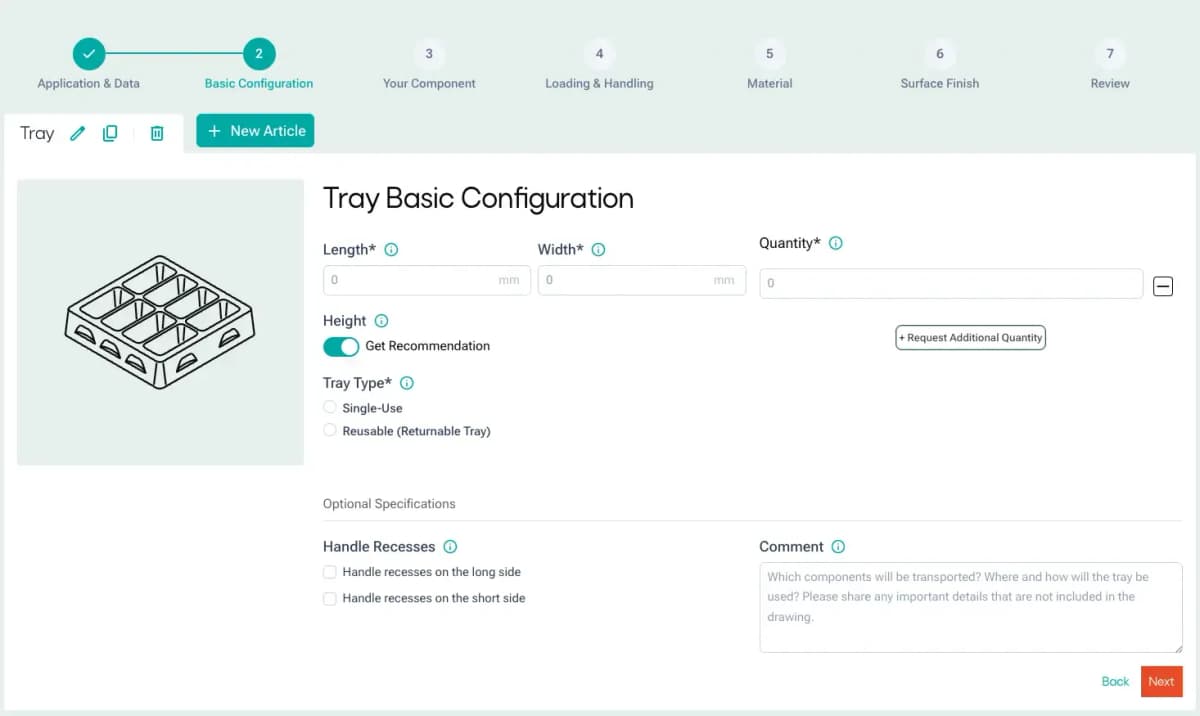
Add new items: You can configure as many products as you like within a single enquiry via the ‘New Item’ tab.
Duplicate product: Products that have already been configured can be easily copied and customised, which saves time, particularly when dealing with similar variants of a product.
The new multi-configuration feature makes the new configurator particularly appealing to customers who wish to carry out complex projects involving multiple product variants.
Linear, intuitive user guidance and customisation options
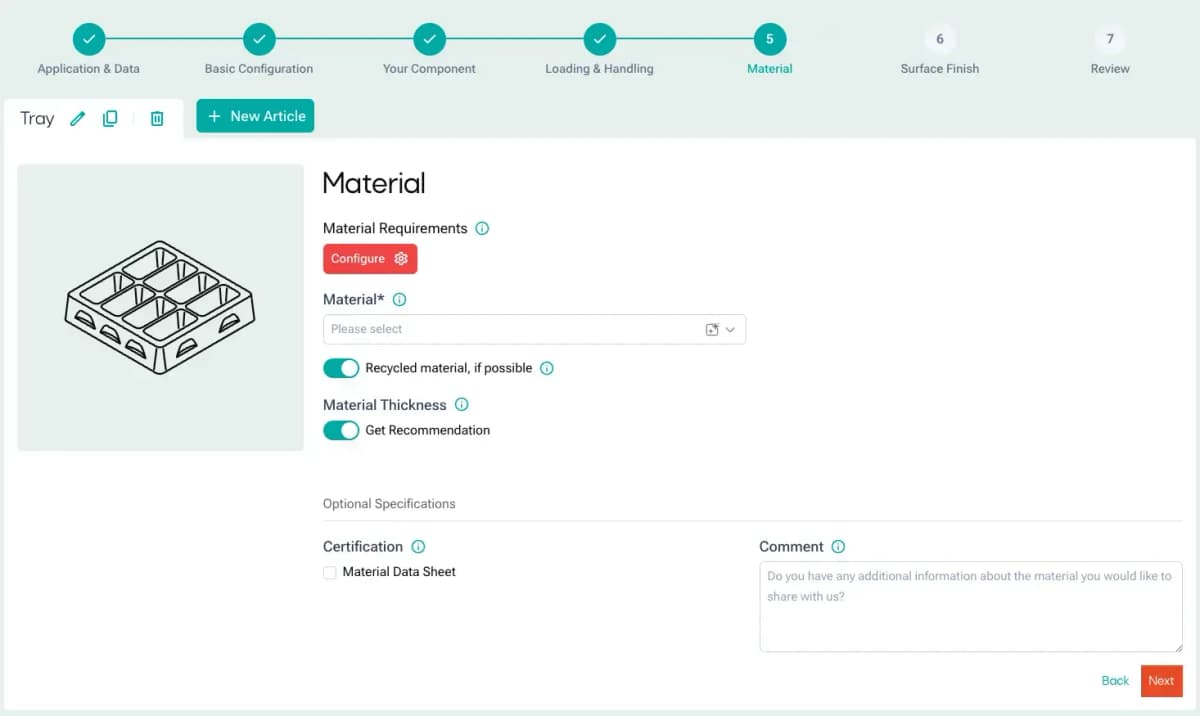
The configurator’s linear design guides you through the process step by step. The number of input fields has been reduced and they are clearly structured, making the process easier and more efficient to use. At the same time, the range of configuration options remains extensive.
At the end of the process, you can provide additional details, such as quotation deadlines, internal reference numbers or specific comments. This allows you to tailor the enquiry precisely to your requirements.
Specifying use cases
A key element of the revision is the restructuring of the use cases. Whereas the categories were previously defined in more general terms – such as ‘transport’ or ‘automation’ – they have now been made more specific and named at product level. The applications “Tray”,“Inlay”,“Housing” and “Container” are now clearly in focus.
8 different interface options
Another key difference lies in the differentiated handling of 3D data. The configurator now offers two separate interfaces, depending on whether or not the customer uploads 3D data for the deep-drawn part. This adaptation results in a total of eight different interface variants, each tailored to the four use cases mentioned above.
Further technical developments in the pipeline
formary is currently working on new tools designed to make your procurement processes even more efficient in the future.
3D Tray Generator
The 3D Tray Generator creates a visual design for blister packs and trays in a matter of seconds, based on the customer’s specifications. It provides a complete 3D representation, including dimensions, nesting layout, packing density and stacking technique.
The Tray Generator is currently being used internally as a beta version. It is due to be integrated into the website this year. Sign up here for the waiting list to be one of the first to use the Tray Generator directly.
Automated DfM analysis
The Design for Manufacturing check analyses uploaded CAD data for technical deep-drawn parts, such as housings and containers, to assess their manufacturability. The DfM analysis identifies typical problem areas such as wall thicknesses, radii and draft angles, and provides optimisation suggestions – including the optimal drawing direction and technical guidance.
Request a thermoformed part now using the optimised configurator
The updated formary configurator offers an optimised user experience, greater flexibility and additional features such as 3D visualisation and multi-configuration. The new user interface makes it easier to configure deep-drawn parts and reduces the effort involved – without compromising on quality.
Try out the new version of the configurator to see for yourself. We look forward to your feedback.
Frequently Asked Questions About the New formary Configurator
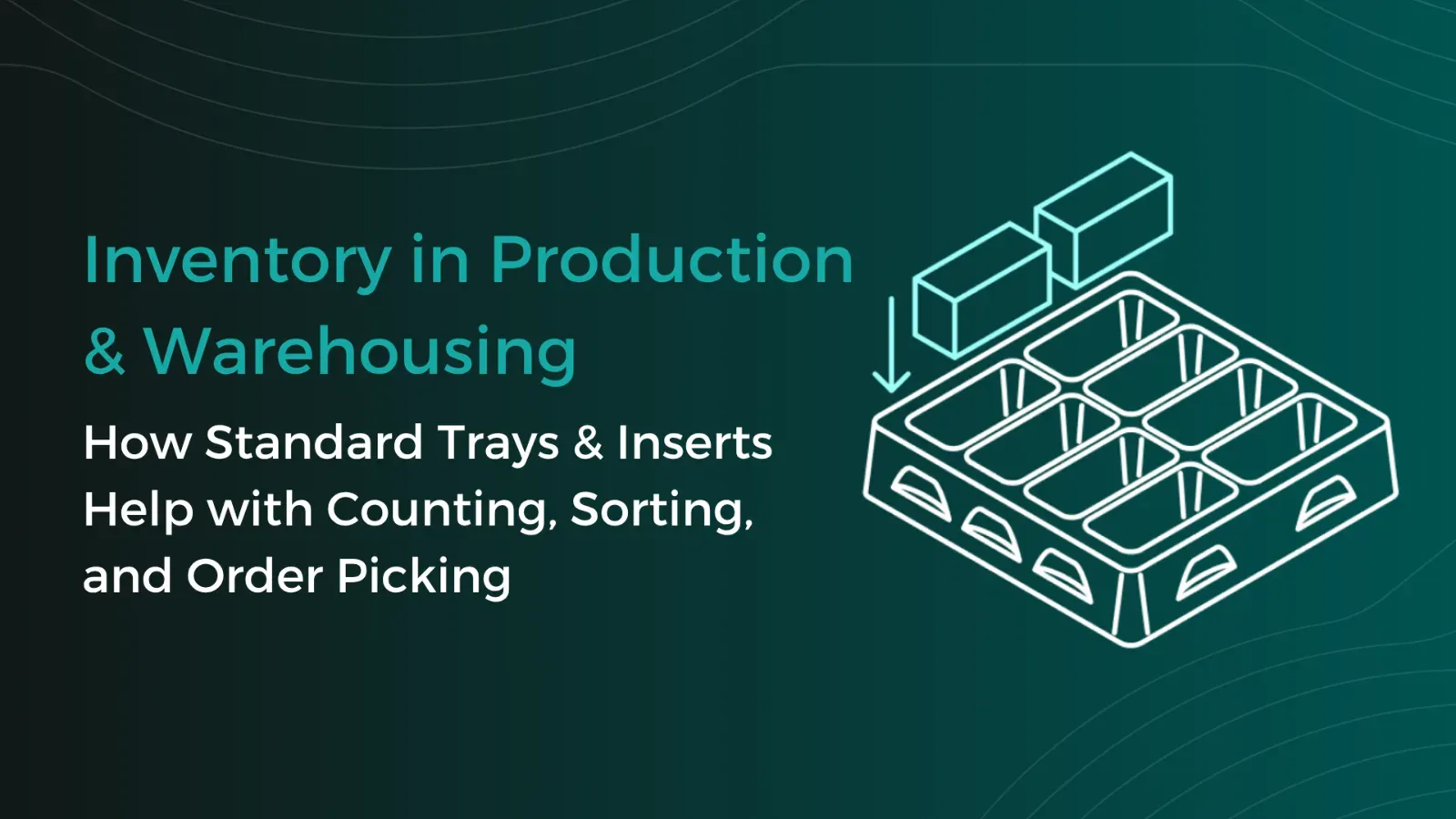
Warehouse Inventory: Tips & Tricks for Better Warehouse Organization and Efficiency with Trays
Warehouse inventories cost time, tie up staff, and often disrupt ongoing operations. This is especially true for small parts, serial components, or recurring components, where counting quickly becomes confusing if parts are stored loose in boxes or shelf compartments. Standard trays create a simple yet effective structure here for better warehouse organization. This article shows how trays optimize inventory counts in both the warehouse and production.
Thermoformed Parts in Practice
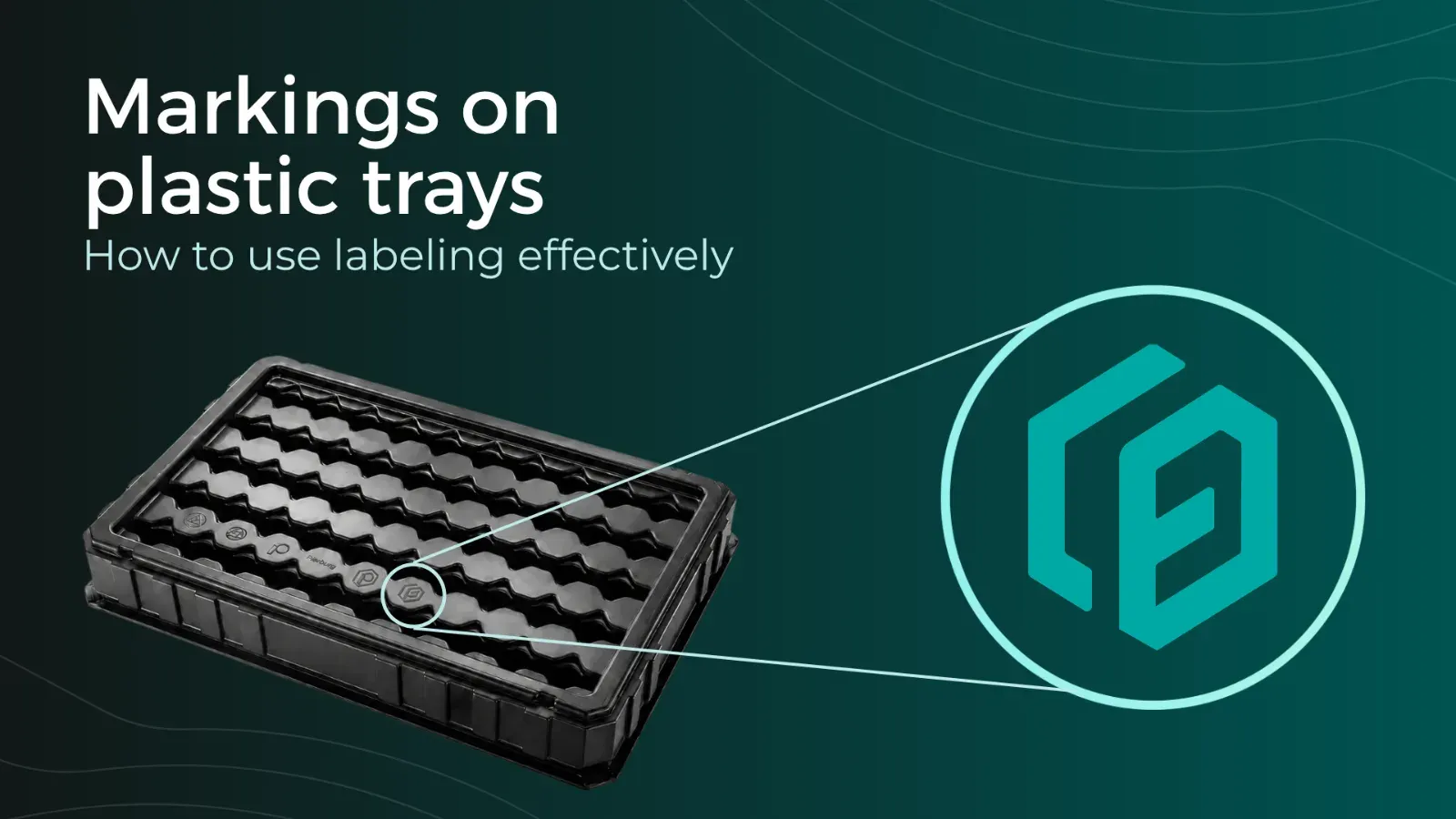
Tray Labeling: How to Use Labels Effectively for Your Packaging
To ensure that trays can be correctly identified and used, clear labeling is essential. Depending on the application, quantity, and process requirements, different methods can be used, such as permanent engraving or flexible labels. In this article, you will learn which tray labeling methods are available, when each method makes sense, and how labeling can already be incorporated into the tray design using formary’s 3D Tray Generator.
Thermoformed Parts in Practice
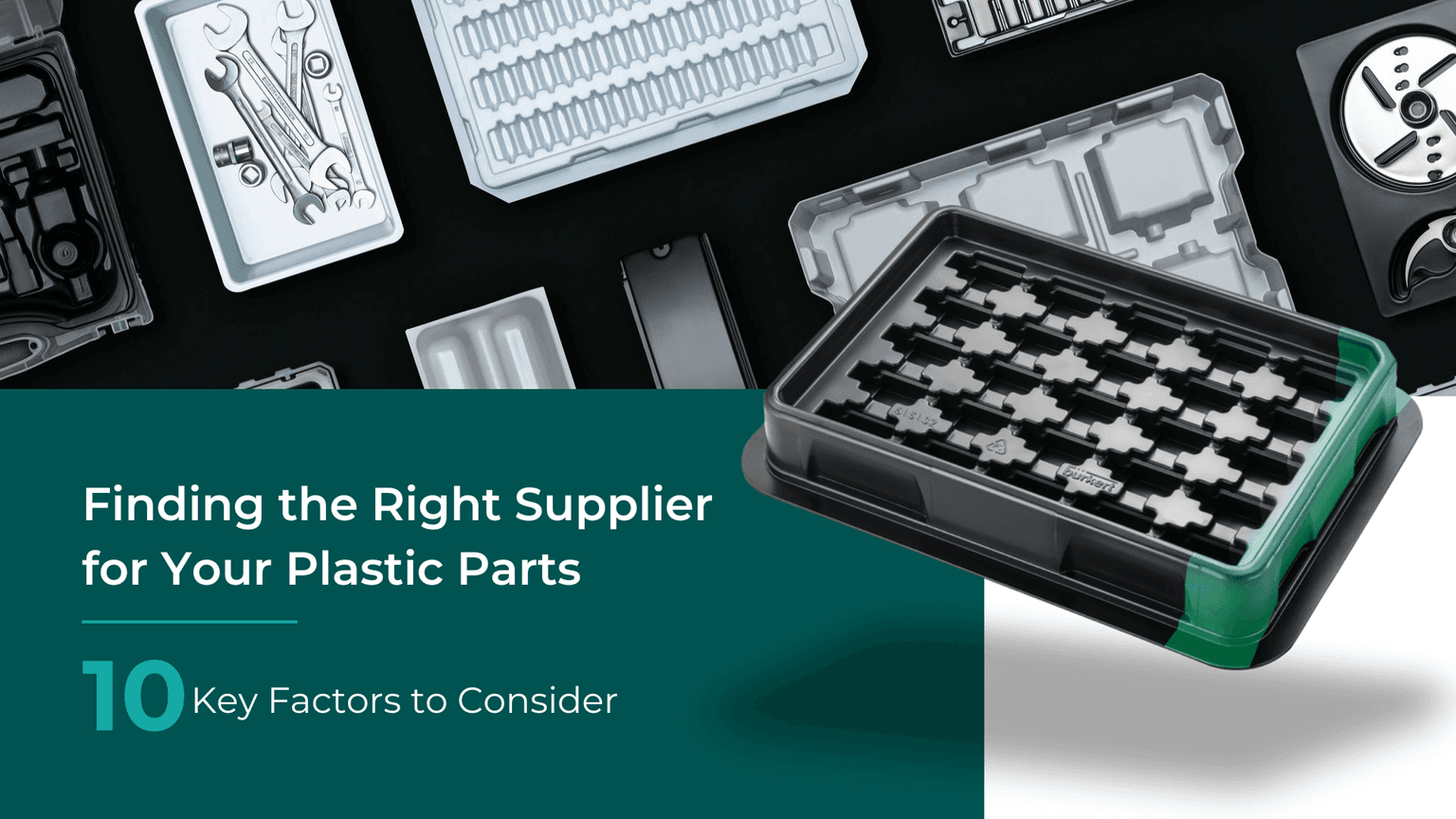
Supplier Guide for Plastic Thermoformed Parts – 10 Key Factors That Matter
Choosing the right supplier for plastic thermoformed parts is crucial for the quality, efficiency, and cost-effectiveness of your production. Our 10 tips will show you what to look for when selecting a supplier.
Platform & Features
3 Factors That Accelerate Your Procurement with formary
The three key factors—time, speed, and efficiency—are crucial for success in industrial manufacturing, from inquiry to delivery. That’s why formary has optimized this process, significantly accelerating the procurement of plastic thermoformed parts. Learn more in this article.
Thermoformed Parts in Practice
Rapid Prototyping in Thermoforming – Definition, Benefits & Processes
Rapid prototyping is used in product development to quickly create preliminary models. In thermoforming, rapid prototyping offers numerous advantages for producing high-quality prototypes efficiently and cost-effectively.
Platform & Features
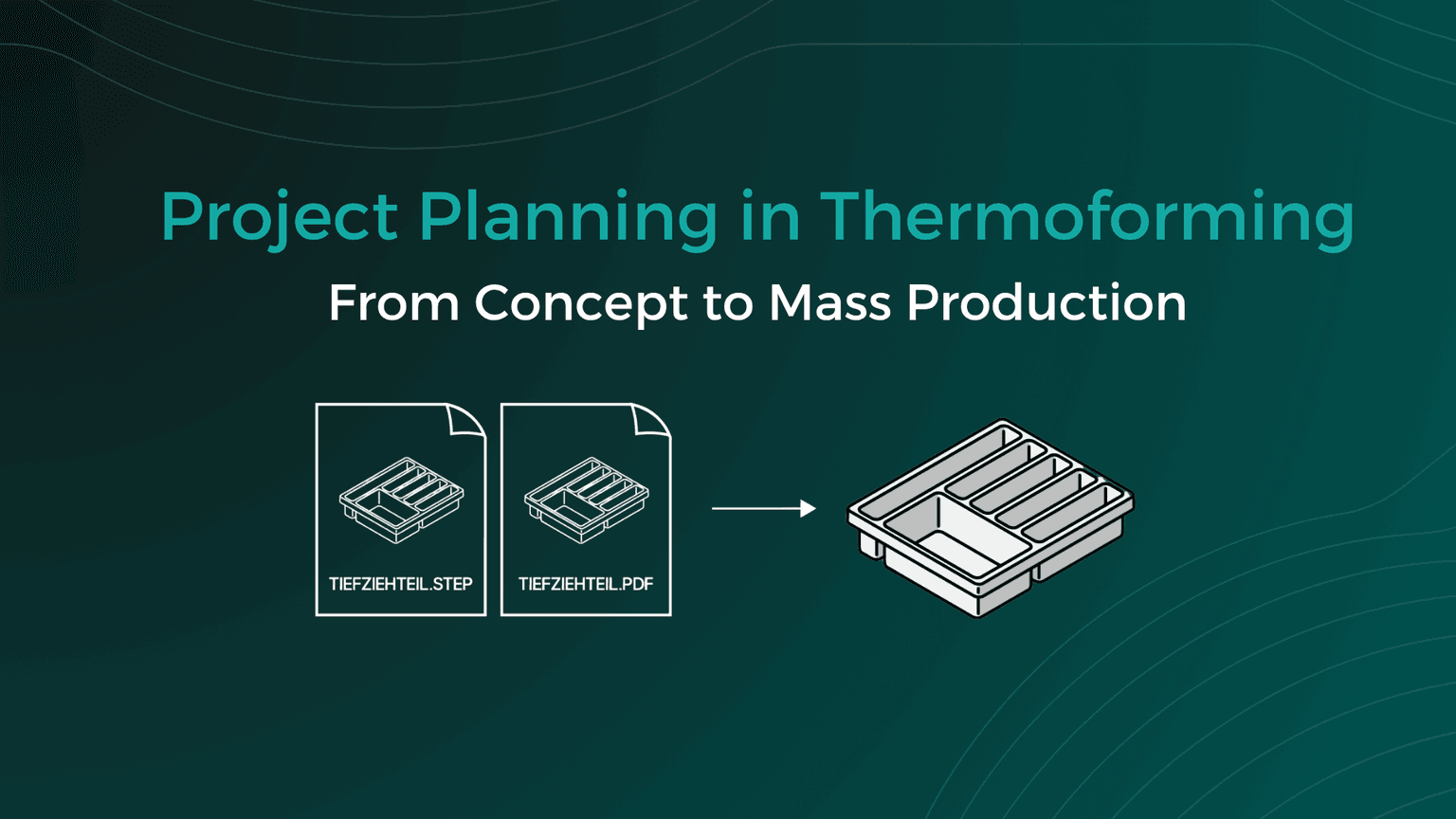
Project Planning in Thermoforming – From Concept to Mass Production
From the initial idea to mass production, various factors must be considered in thermoforming project planning, including material selection, tool manufacturing, and quality control. This article provides a detailed look at how a thermoforming project with formary is executed.
Thermoformed Parts in Practice
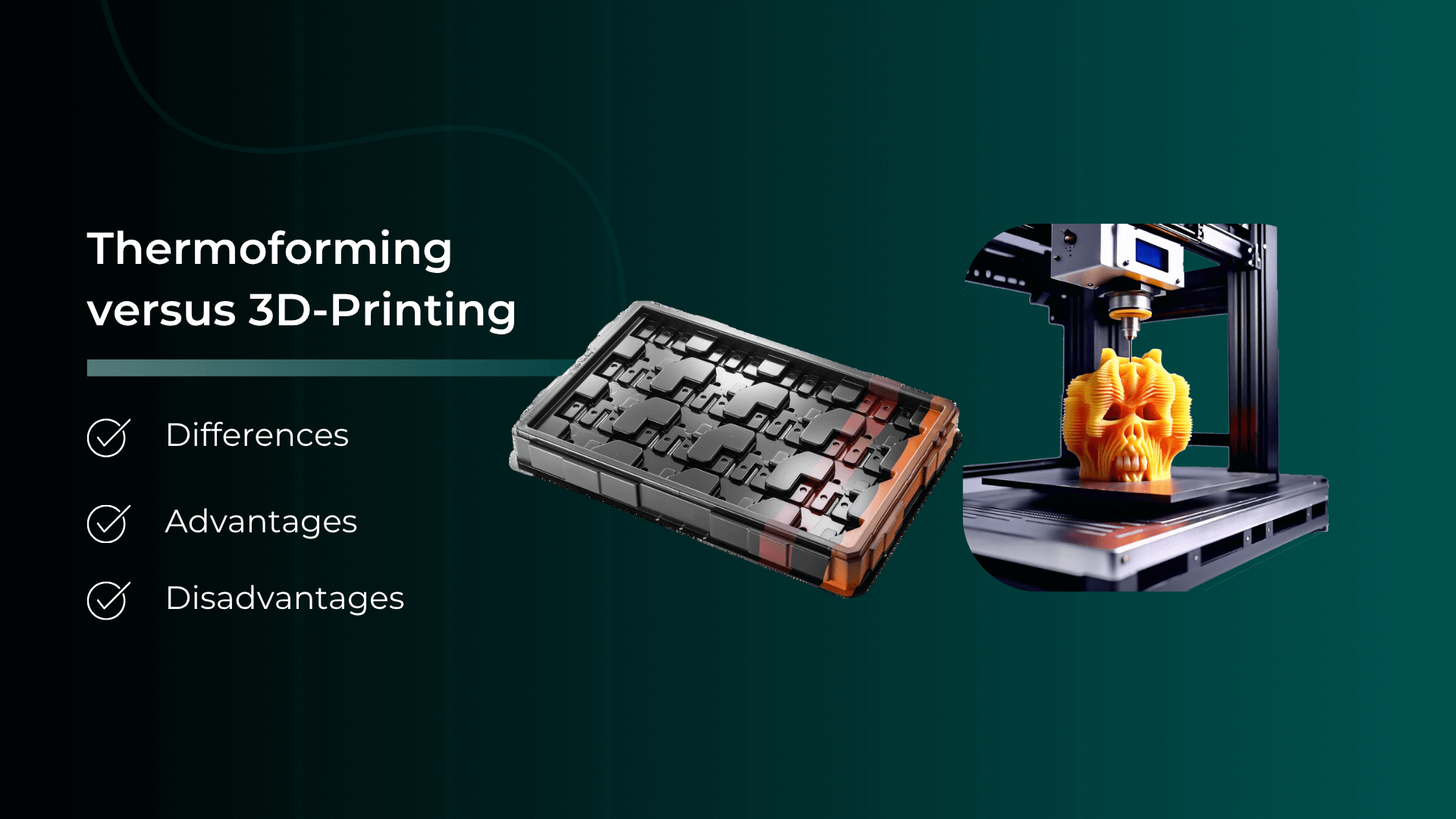
Thermoforming vs. 3D Printing – Advantages, Disadvantages, Differences, and Similarities
Plastic parts are manufactured using various processing methods. In this article, we focus on comparing the processes of plastic thermoforming and 3D printing.
Thermoformed Parts in Practice
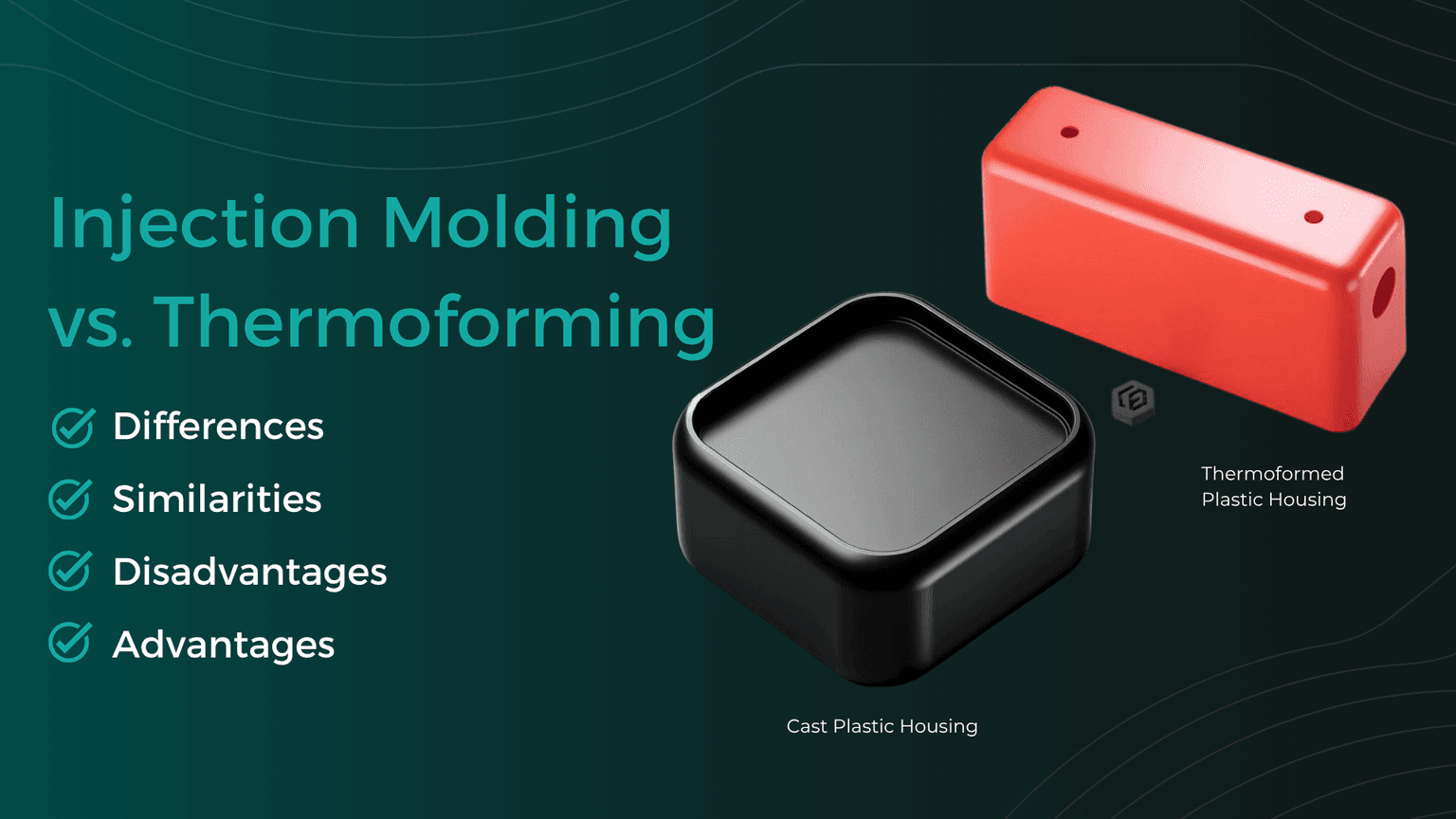
Injection Molding vs. Plastic Thermoforming – Advantages, Disadvantages, Differences, and Similarities
In the world of plastic processing, there are various common manufacturing methods used to produce precise plastic components for industrial applications. We compare two of them: Injection Molding and Plastic Thermoforming.
Thermoformed Parts in Practice
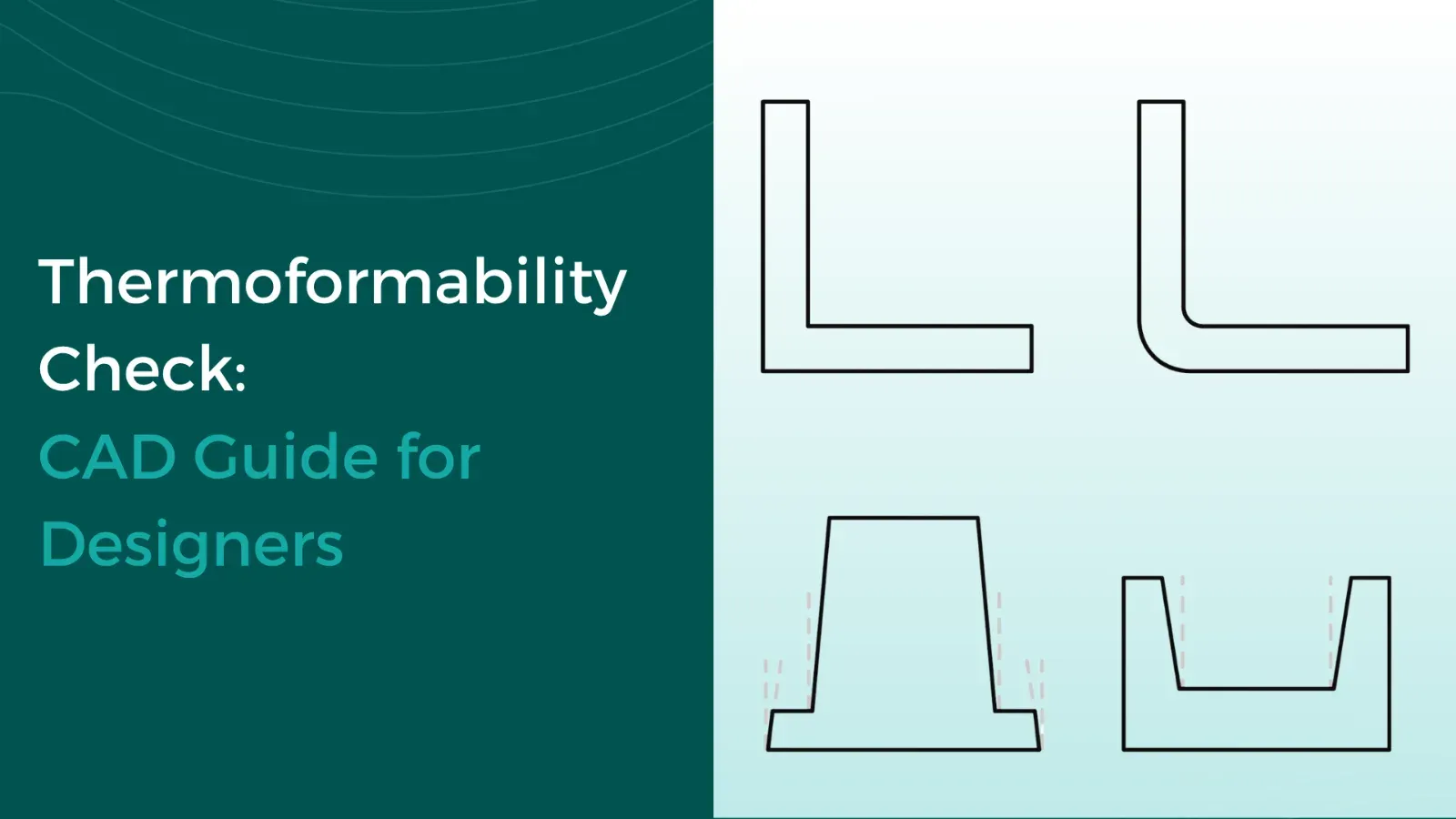
Checking CAD Models for Thermoformability: The Designer's Guide
Whether a plastic part is thermoformable is determined in the CAD model. Anyone who discusses geometry, wall thicknesses, and demoldability only after the first sampling pays for this loop with tool modifications, material waste, and lost weeks in the project timeline. This can be avoided during design: with a structured check that evaluates each model along this guide and makes typical sources of error visible early on.