Now live: Create Tray Designs Directly from CAD Data in Your Browser
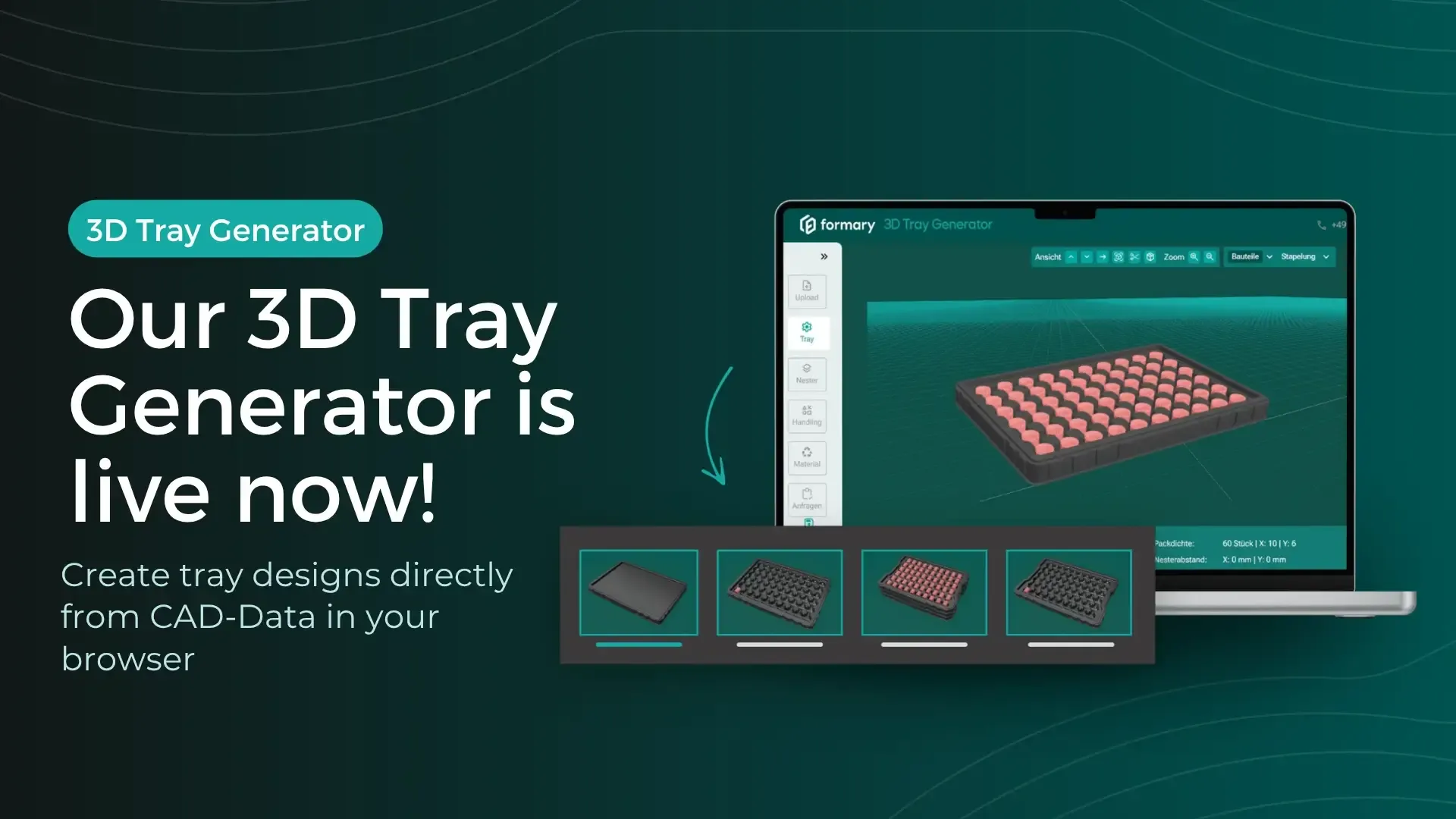
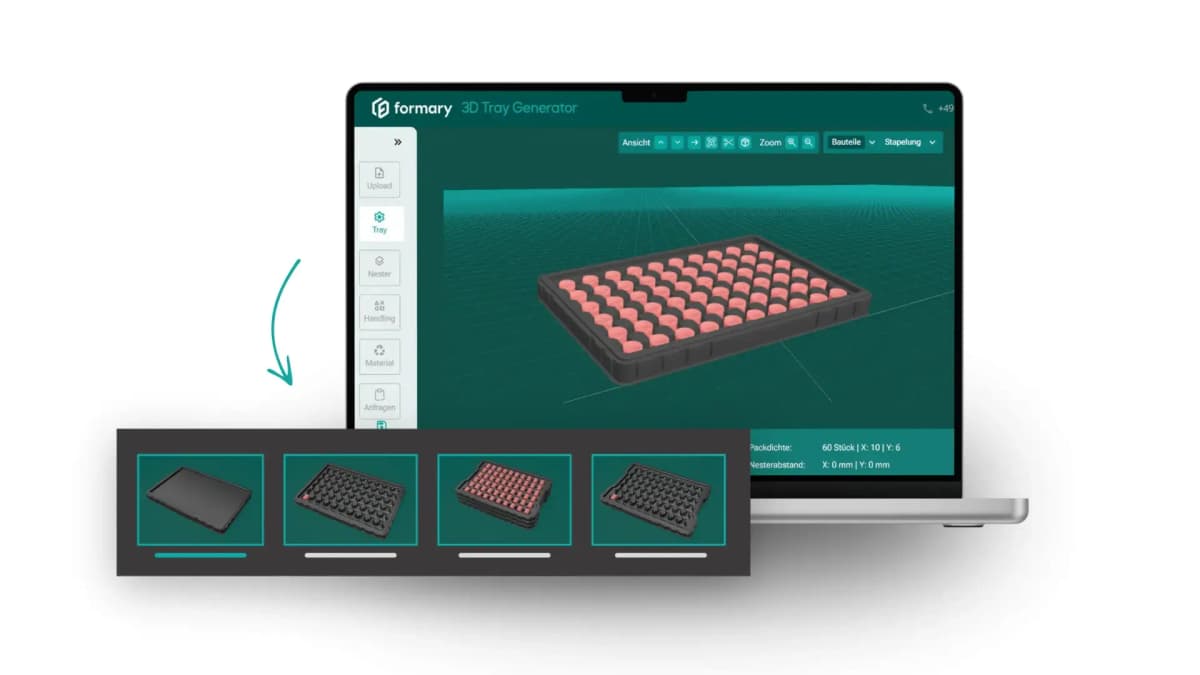
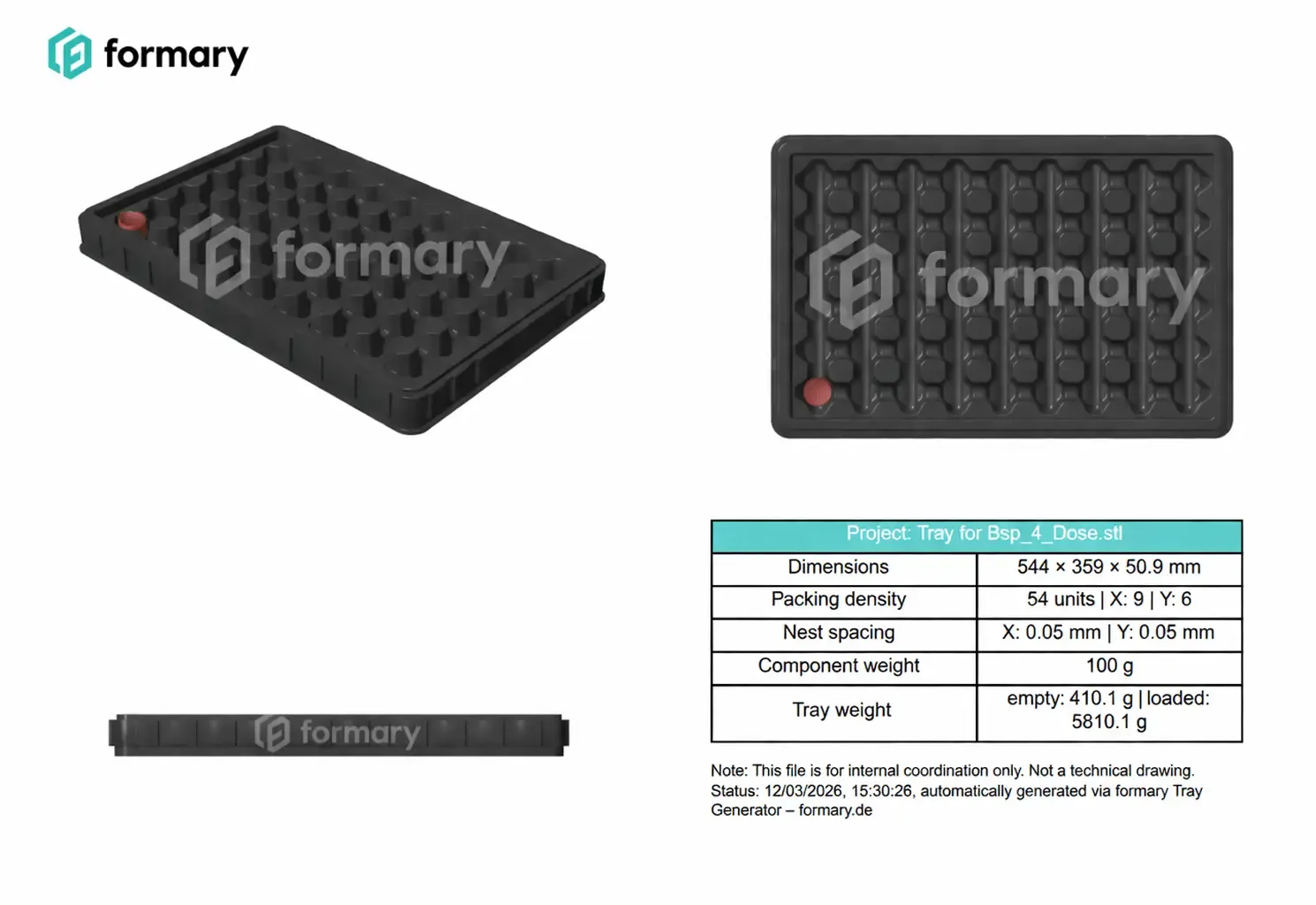
Planning plastic trays for transport, storage, or automated manufacturing processes often starts with one key question: what should a suitable tray for the component actually look like? This is exactly what the new web-based 3D Tray Generator answers within seconds. Learn more in this article.
Sarah Guaglianone
Updated on May 27, 2026
Share
Key Facts About the 3D Tray Generator at a Glance
Tray concepts are automatically generated from 3D component data
The tool runs directly in the browser without additional software installation
Supports common CAD formats such as STL, STEP, OBJ, or GLTF
Adjustments are displayed in real time in a 3D visualization
Tray concepts can be submitted directly as an inquiry
→ The Tray Generator is now available free of charge with registration.
Why Tray Concepts Are Often Created Too Late
In many projects, different departments need a tray concept early on, for example:
Logistics
Production planning
Work preparation
Automation
However, tray design is often only created after an order is placed or as a paid engineering service. This leads to a typical gap in the project workflow:
All changes are immediately visible in the 3D visualization.
New Features for Logistics and Production Planning
In addition to a new design, the latest version of the Tray Generator includes several features particularly relevant for logistics and production processes.
SLC Integration
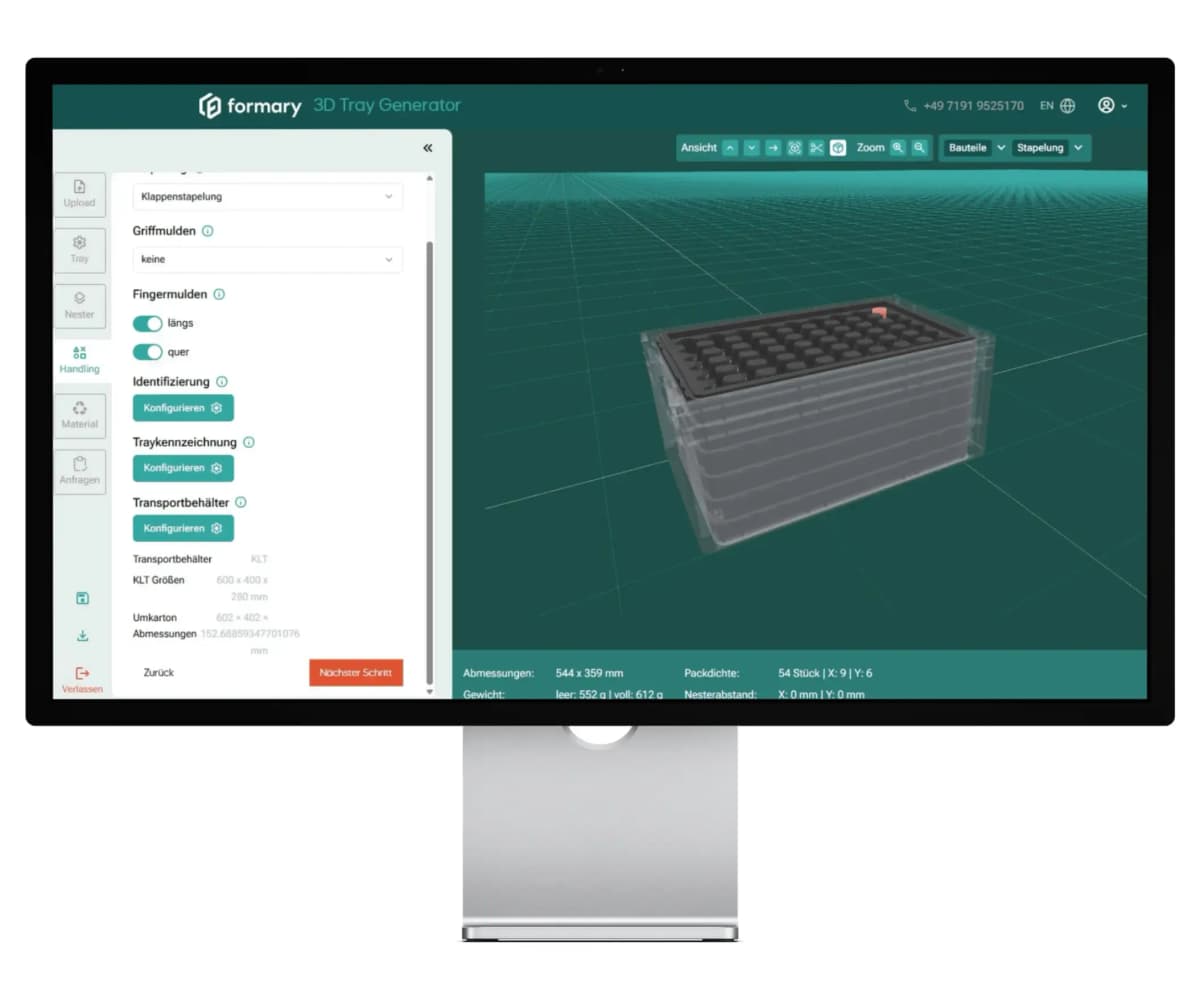
The tool shows in real time how the generated tray fits into standardized SLC containers or outer cartons.
3D trays in their transport medium
Custom Markings
Users can integrate symbols, labels, or logos directly into the tray to clearly identify components or variants.
Color Coding
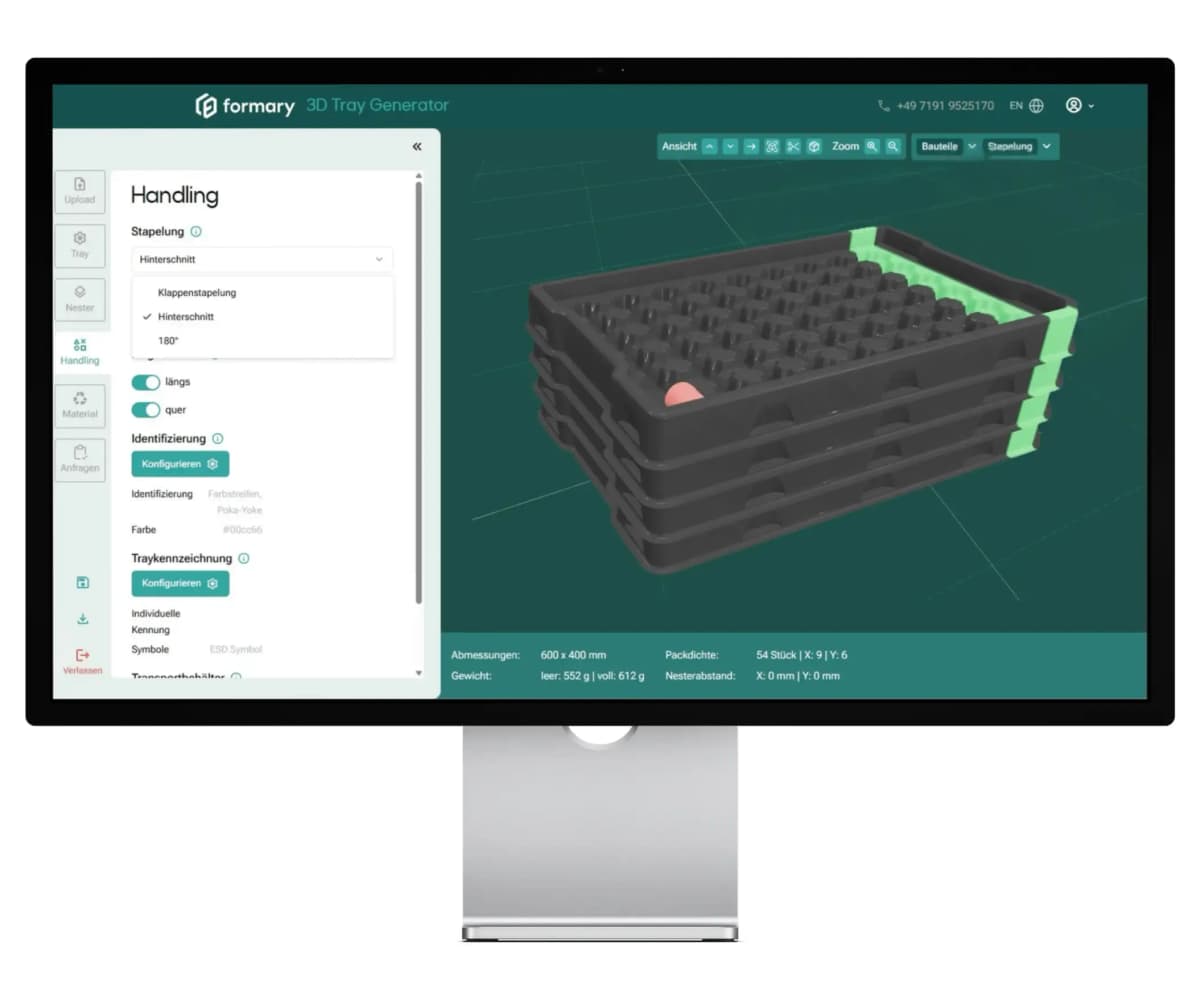
Color stripes for variant identification can also be integrated directly into the tray design. This simplifies component identification in production processes.
Stacked trays with color stripes
Stacking Methods and Stack Height
Different stacking methods can be defined, and maximum stack heights can be calculated. This allows early simulation of how trays behave in storage, transport, and production flow.
From Tray Concept Directly to Inquiry
Another feature of the tool is the direct processing of generated tray concepts.
Users can:
Export their designs as a PDF
Submit an inquiry directly
All relevant tray data is automatically transferred, eliminating much of the usual coordination effort.
Who Is the Tray Generator Especially Useful For?
The 3D Tray Generator is primarily aimed at companies that:
Develop new products
Plan automated production lines
Create transport concepts for components
Need to define packaging concepts early in the project
Conclusion: Generate Tray Concepts Directly from CAD Data
With the web-based 3D Tray Generator, formary introduces a tool that solves a common bottleneck in industrial projects. Instead of developing tray concepts late in the process, users can now generate a tray layout within seconds, test variants, plan logistics concepts early, and submit inquiries directly.
This makes plastic tray planning significantly faster, more transparent, and more efficient.
The 3D Tray Generator is a digital tool that automatically creates a tray concept for a component. Users upload a CAD file of their part, and the software generates a tray layout with optimized component arrangement, nest spacing, and packing density. This makes it easy to evaluate how components can be transported, stored, or handled in automated systems.
No. The 3D Tray Generator runs entirely in the browser. After registration, users can access the tool online without any additional installation or local programs.
Yes. The Tray Generator can show how a generated tray fits into standardized SLC containers, allowing early validation for transport and storage processes.
The Tray Generator is particularly suitable for projects where components need to be safely transported, stored, or handled automatically. Typical applications include:
Yes. The 3D Tray Generator can be used free of charge after registration.
Further Resources
Thermoformed Parts in Practice
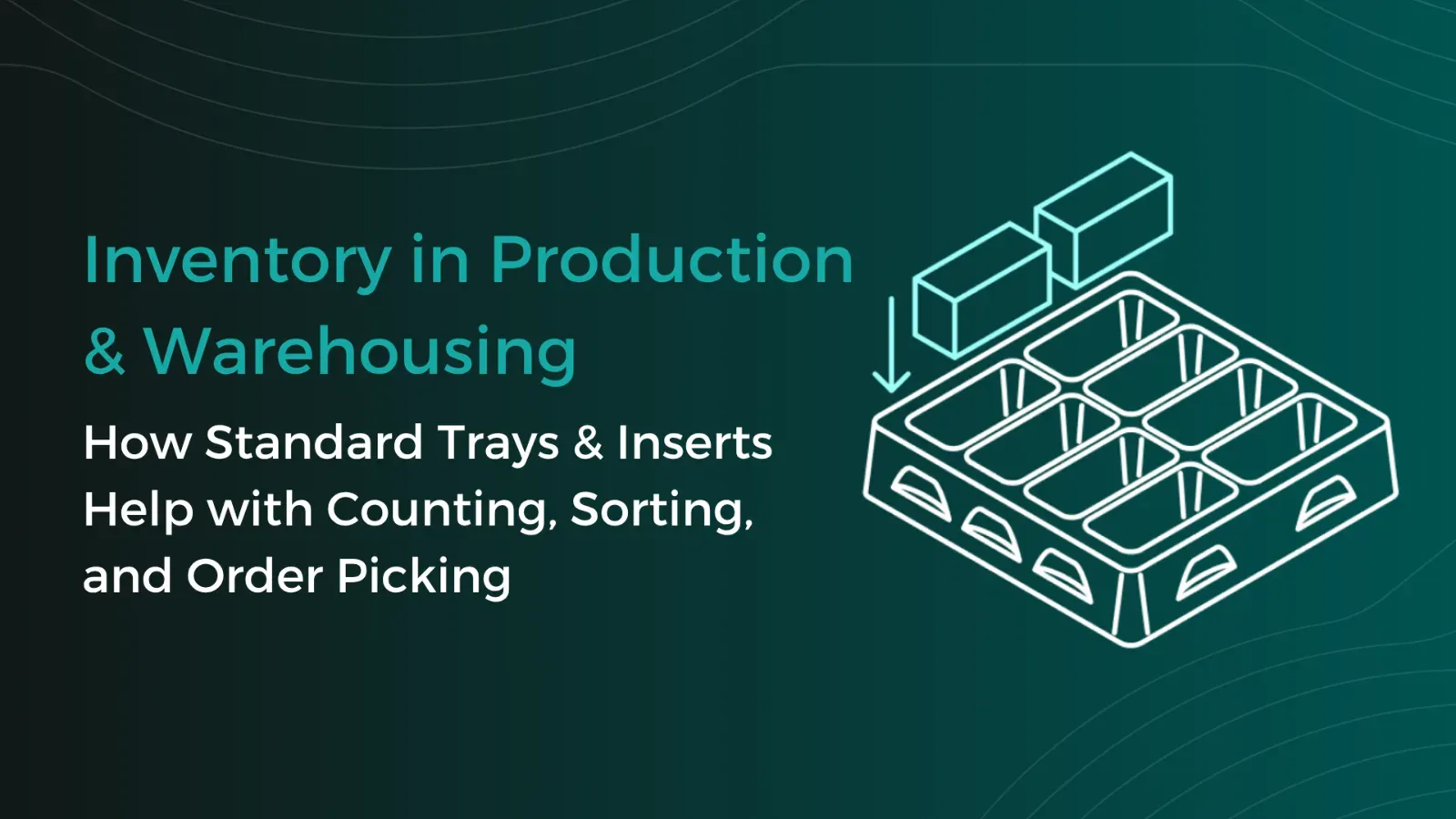
Warehouse Inventory: Tips & Tricks for Better Warehouse Organization and Efficiency with Trays
Warehouse inventories cost time, tie up staff, and often disrupt ongoing operations. This is especially true for small parts, serial components, or recurring components, where counting quickly becomes confusing if parts are stored loose in boxes or shelf compartments. Standard trays create a simple yet effective structure here for better warehouse organization. This article shows how trays optimize inventory counts in both the warehouse and production.
Thermoformed Parts in Practice
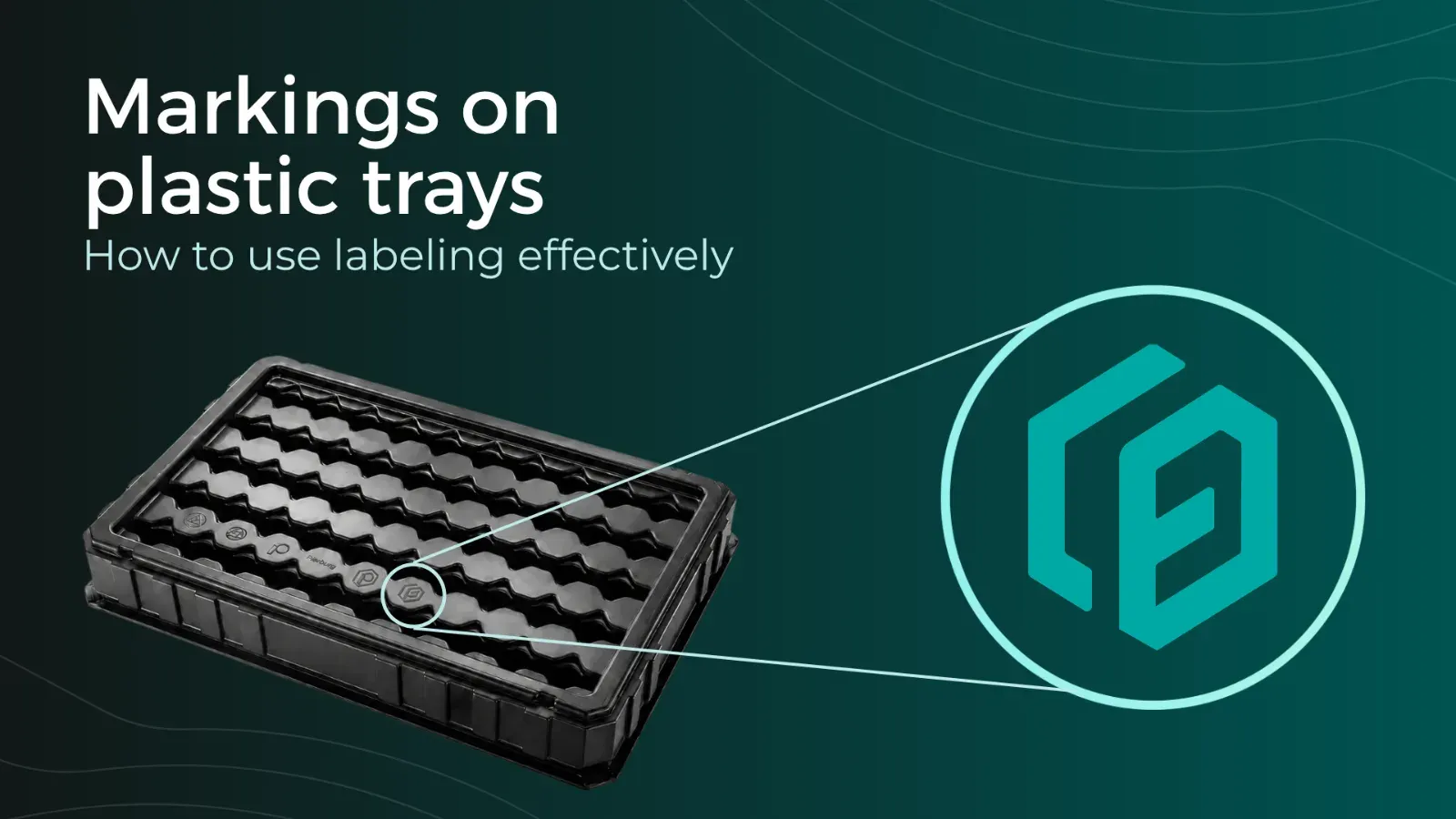
Tray Labeling: How to Use Labels Effectively for Your Packaging
To ensure that trays can be correctly identified and used, clear labeling is essential. Depending on the application, quantity, and process requirements, different methods can be used, such as permanent engraving or flexible labels. In this article, you will learn which tray labeling methods are available, when each method makes sense, and how labeling can already be incorporated into the tray design using formary’s 3D Tray Generator.
Thermoformed Parts in Practice
Supplier Guide for Plastic Thermoformed Parts – 10 Key Factors That Matter
Choosing the right supplier for plastic thermoformed parts is crucial for the quality, efficiency, and cost-effectiveness of your production. Our 10 tips will show you what to look for when selecting a supplier.
Platform & Features
3 Factors That Accelerate Your Procurement with formary
The three key factors—time, speed, and efficiency—are crucial for success in industrial manufacturing, from inquiry to delivery. That’s why formary has optimized this process, significantly accelerating the procurement of plastic thermoformed parts. Learn more in this article.
Thermoformed Parts in Practice
Rapid Prototyping in Thermoforming – Definition, Benefits & Processes
Rapid prototyping is used in product development to quickly create preliminary models. In thermoforming, rapid prototyping offers numerous advantages for producing high-quality prototypes efficiently and cost-effectively.
Platform & Features
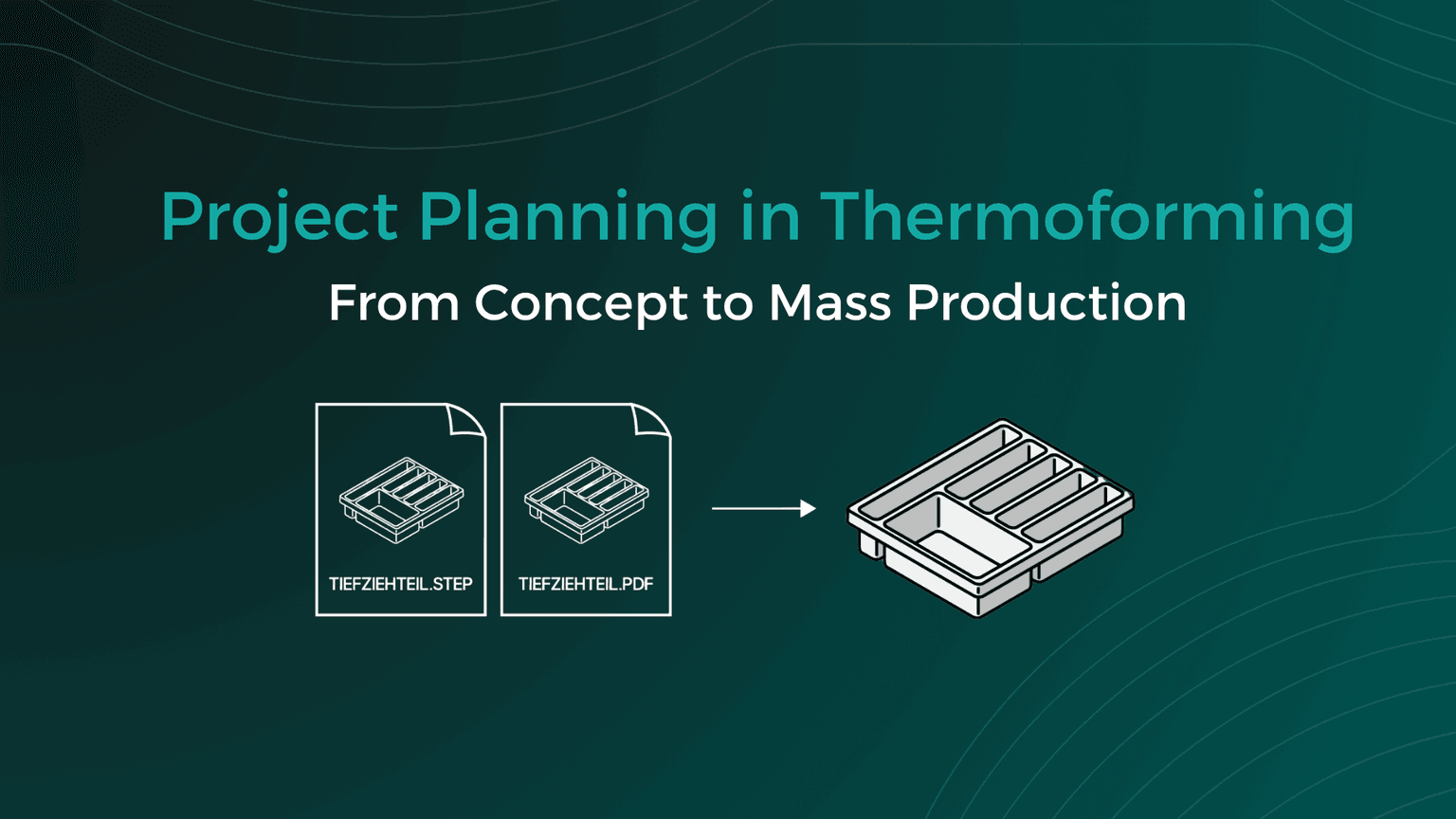
Project Planning in Thermoforming – From Concept to Mass Production
From the initial idea to mass production, various factors must be considered in thermoforming project planning, including material selection, tool manufacturing, and quality control. This article provides a detailed look at how a thermoforming project with formary is executed.
Thermoformed Parts in Practice
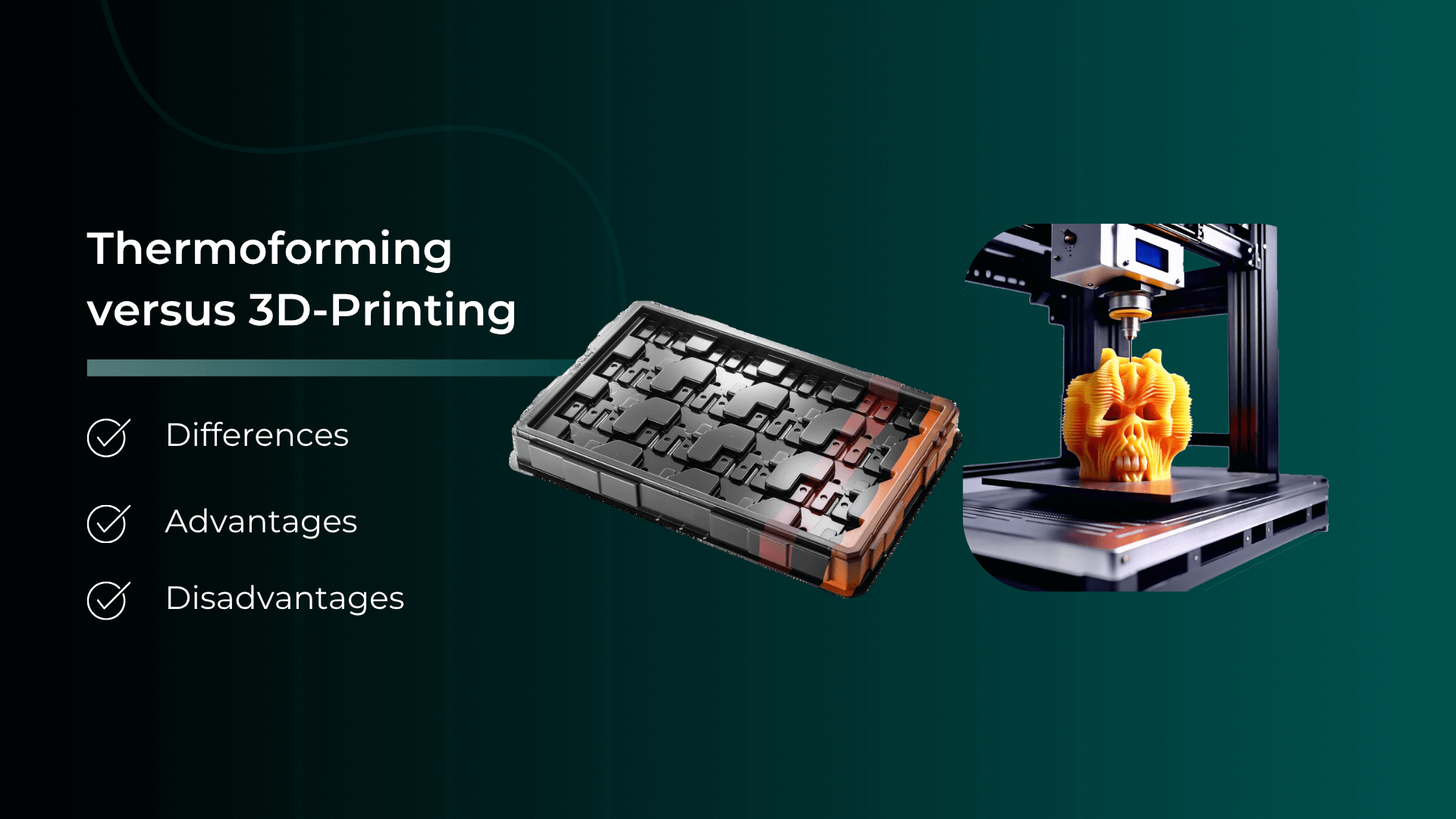
Thermoforming vs. 3D Printing – Advantages, Disadvantages, Differences, and Similarities
Plastic parts are manufactured using various processing methods. In this article, we focus on comparing the processes of plastic thermoforming and 3D printing.
Thermoformed Parts in Practice
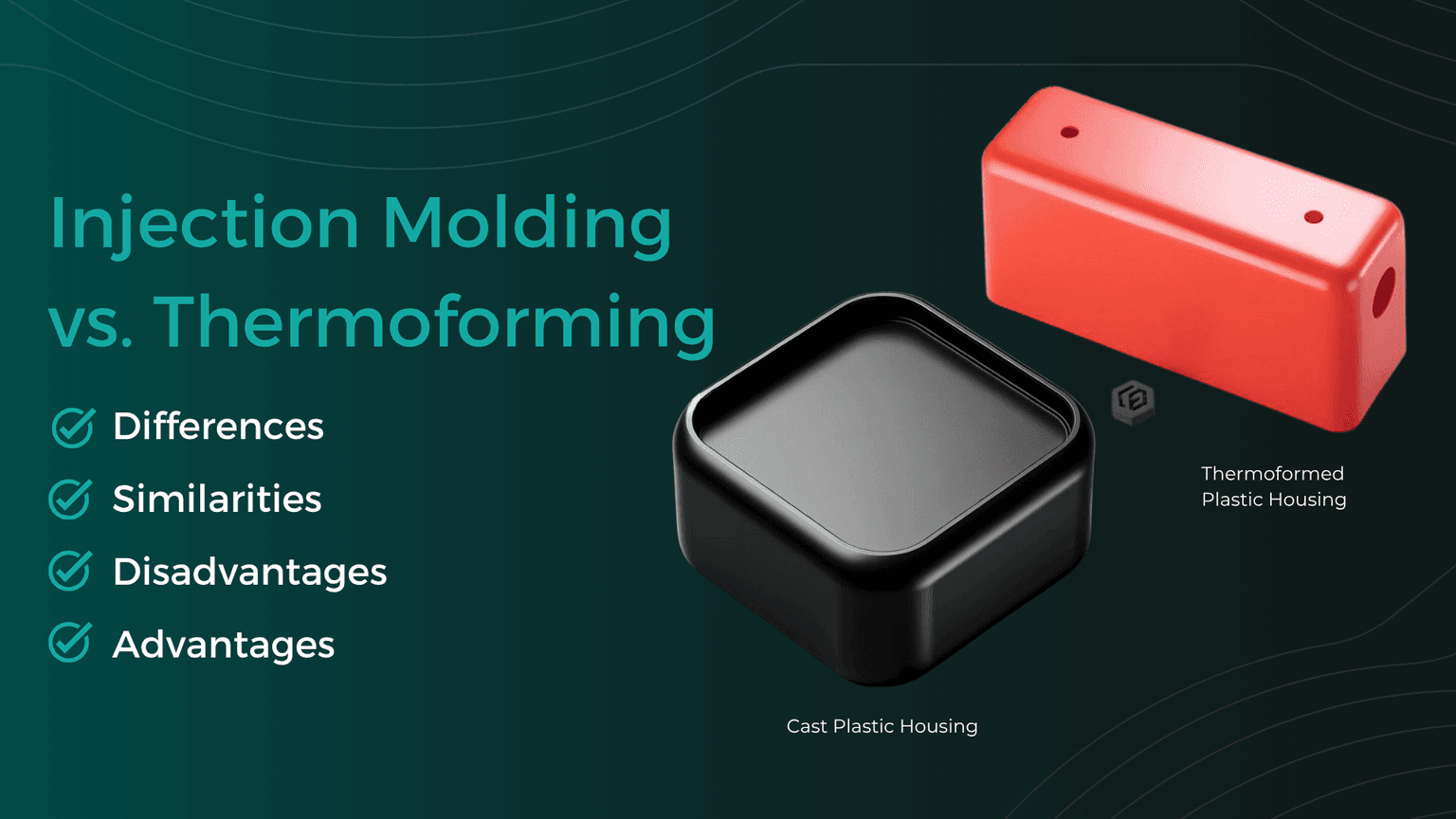
Injection Molding vs. Plastic Thermoforming – Advantages, Disadvantages, Differences, and Similarities
In the world of plastic processing, there are various common manufacturing methods used to produce precise plastic components for industrial applications. We compare two of them: Injection Molding and Plastic Thermoforming.
Thermoformed Parts in Practice
Checking CAD Models for Thermoformability: The Designer's Guide
Whether a plastic part is thermoformable is determined in the CAD model. Anyone who discusses geometry, wall thicknesses, and demoldability only after the first sampling pays for this loop with tool modifications, material waste, and lost weeks in the project timeline. This can be avoided during design: with a structured check that evaluates each model along this guide and makes typical sources of error visible early on.